

July 10th, 2026
Anatomy of a Dental Practice Ransomware Attack (Hour by Hour)
Industry Research — Dental Cybersecurity
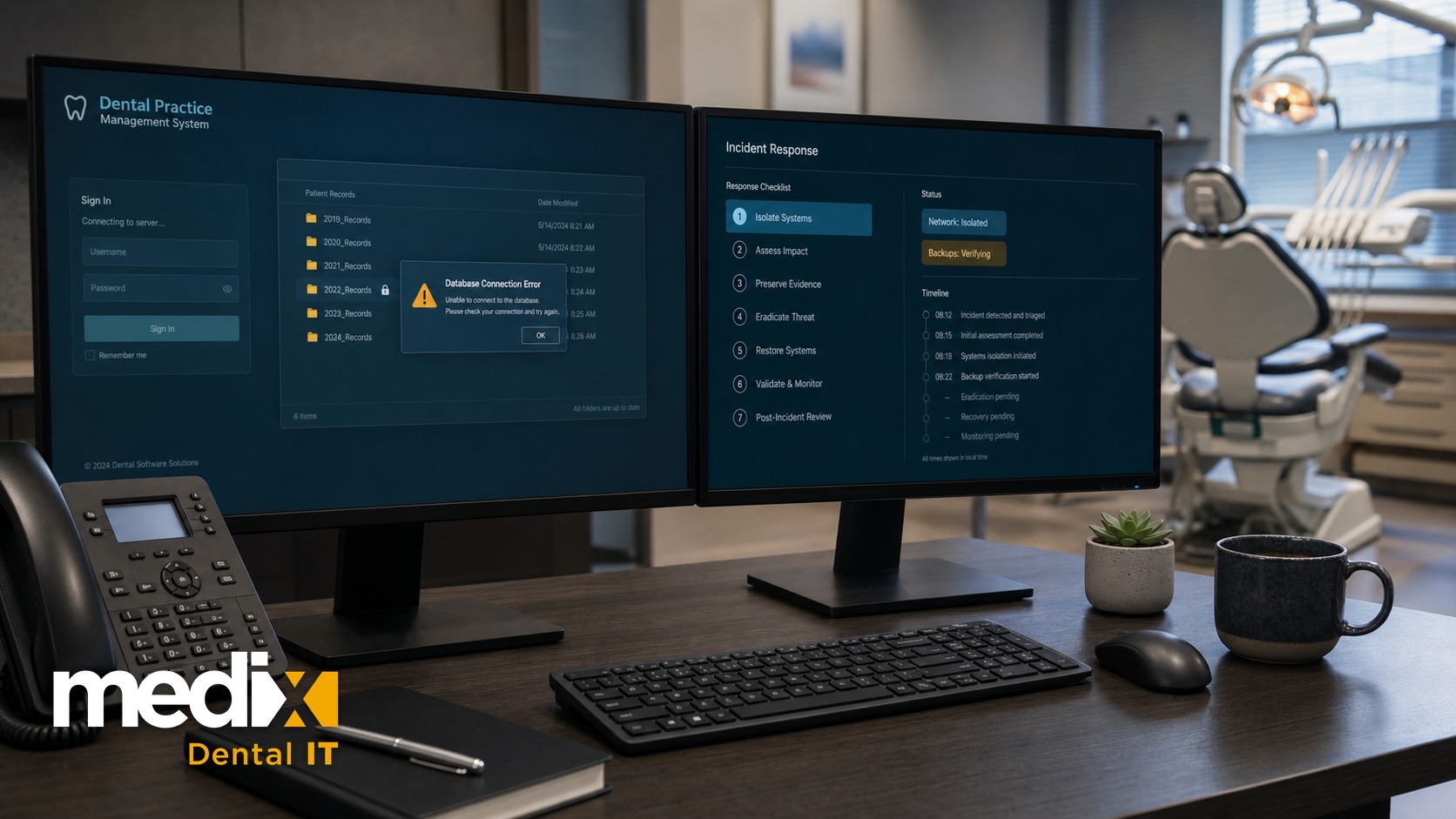
Nobody in the office remembers clicking anything unusual. That is the part that surprises people most.
When I walk through a dental practice ransomware attack with an owner or a group’s leadership after the fact, the timeline almost never matches what they expected. What follows is that timeline, hour by hour, built from how these incidents actually unfold rather than any single real office. No practice is named because the pattern is what matters. And if you run more than one location, read the single-office version first, because everything in it gets multiplied by every practice you own.
A Dental Ransomware Attack, Hour by Hour
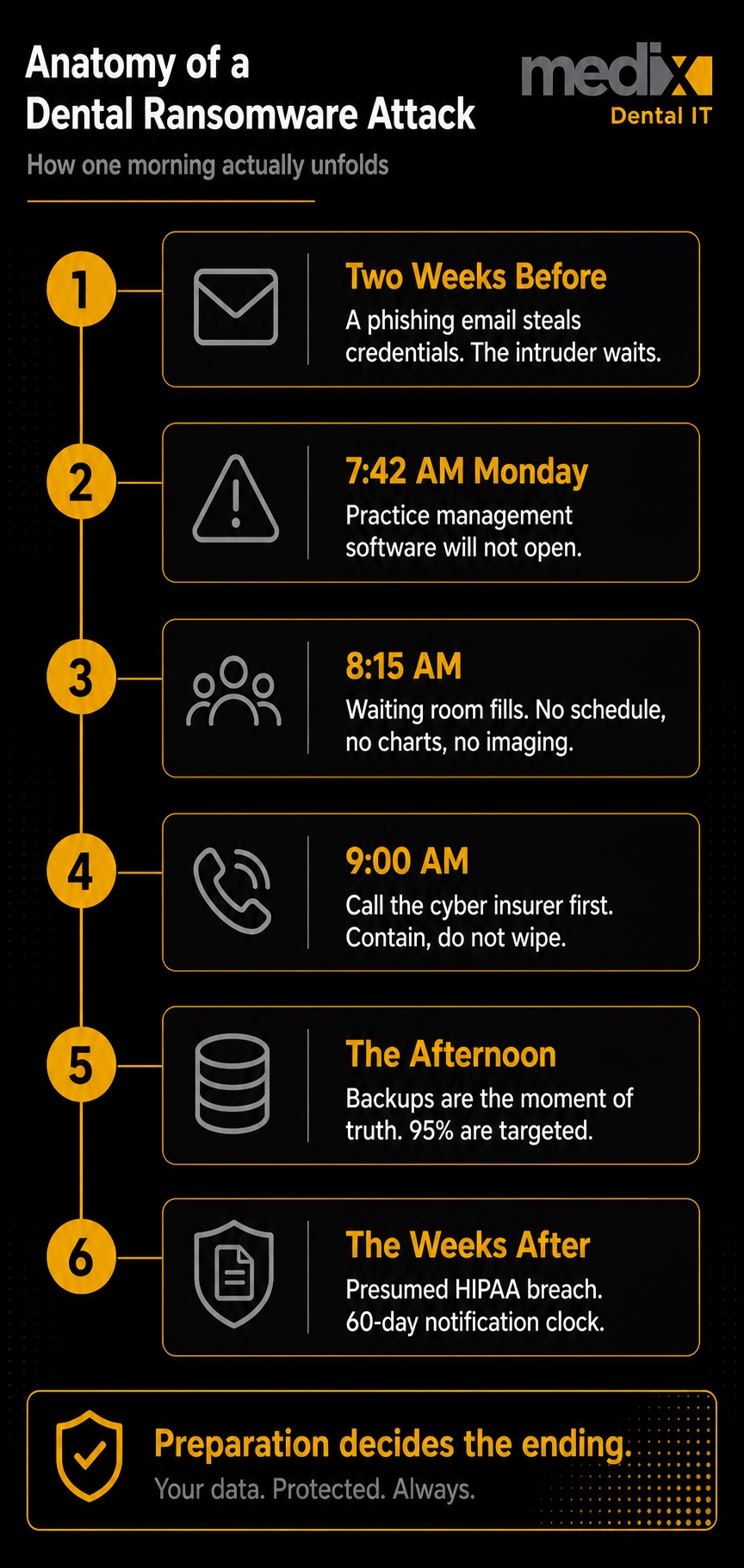
Two Weeks Before: The Part You Never See
An email lands at the front desk. It looks like a statement from a vendor. Someone opens the attachment, nothing obvious happens, and the day goes on. What actually happened is that a set of credentials just walked out the door.
For the next several days the intruder does not encrypt anything. They look around. They find the server running the practice management software, the one with the whole database on it, and they find where the backups live. They quietly copy patient data out of the network, because stolen data is a second form of pressure even if you can restore. Then they wait. Attacks are timed for nights and weekends, when no one is watching to interrupt the encryption, so for a dental office that usually means a Sunday night before a full Monday.
7:42 a.m. Monday: The Software Will Not Open
The first person in clicks the practice management icon. It spins, then throws a database error. They assume the server needs a restart, the normal Monday reflex, and that is when someone notices the wallpaper on the server has changed. There is a text file on the desktop with instructions and a countdown.
Within minutes the picture gets worse. The schedule is gone, because the schedule lives in the database. Imaging will not pull up X-rays, because it bridges to that same record. Network drives are inaccessible, and if the phones run over the office network, they are down too. In ten minutes a fully booked practice has lost its schedule, its charts, its images, and its ability to check anyone in.
8:15 a.m.: The Waiting Room Is Filling Up
Patients are arriving for a day the office can no longer see. The front desk is working from memory and a printed schedule someone found from Friday. There is no way to verify insurance, no way to pull a chart, and no safe way to treat a patient whose medical history, allergies, and medications are locked inside an encrypted database.
This is the moment the day gets canceled, or nearly so. Urgent cases get triaged by hand. Everyone else gets a phone call and a reschedule. A single-doctor practice runs on a tight schedule, and every dark hour is production that does not come back.
9:00 a.m.: The Call That Has to Come First
By the time I get the call, the owner has usually already dialed their IT company. That part is fine, and containment should start immediately. What gets missed is the call that runs alongside it: the cyber insurance carrier, in the same hour. The distinction that matters is between calling someone and retaining them, and our data breach response plan for dental practices walks through that call order in detail. Many policies require you to use the carrier’s approved response vendors and to report within a tight window. Acting on your own, wiping machines, or paying anything before the carrier is looped in can jeopardize the claim entirely.
Then the IT provider, whose job in the first hour is to contain, not fix: disconnect the network to stop the spread while leaving machines intact as evidence. Then a forensics firm, usually from the insurer’s panel, and breach counsel, because if patient data left the building there are legal clocks running. The FBI gets a report through its complaint center. Nobody wipes anything, because wiping destroys the evidence needed to answer the question that governs everything next: did patient data actually leave.
The Afternoon: The Backup Moment of Truth
Everything now depends on the backups, and this is where good intentions meet reality. Attackers go looking for your backups first, because a practice that can restore is a practice that will not pay. In Sophos’s 2024 healthcare research, 95 percent of organizations hit by ransomware said the attackers tried to compromise their backups, and those attempts succeeded two-thirds of the time.
If the backups were isolated, offline or immutable, and someone had tested a restore, recovery is measured in days. If they sat on the same network the attacker owned, they are encrypted too, and recovery is measured in weeks or becomes a negotiation. That outcome was decided long before this Monday, the day someone chose how the backups were built and whether anyone ever checked that they worked.
The Weeks After: The Attack Is Over, the Breach Is Not
Restoring the systems is the visible half. The compliance half runs much longer. Federal guidance from the HHS Office for Civil Rights treats a ransomware attack on electronic patient data as a presumed breach. Unless the practice can demonstrate a low probability that the data was compromised, through a formal four-factor risk assessment, it must proceed as a breach. Because the attacker copied data out before encrypting, that argument is close to impossible to make.
That starts the notification clock. Affected patients and HHS must be notified within 60 days, and any breach touching 500 or more people in a state also requires notifying the media and lands on the public federal breach portal. Then come the mailings, the credit monitoring offers, the legal bills, and often an OCR investigation that asks one predictable question: show us your risk analysis. Technical recovery takes days or weeks. The full tail takes months, and healthcare remains the most expensive sector for a breach, at an average of 7.42 million dollars according to IBM’s 2025 report.
Now Multiply All of This by Every Location You Own
Everything above is one office. For a dental group, the same attack is a categorically worse event, and the reason is architecture.
A single practice has a blast radius of one building. A group that shares an identity system, a central database, and site-to-site network connections has a blast radius of the entire brand. One stolen credential at the weakest office becomes a master key to all of them. In my experience that weakest office is very often the practice you acquired last quarter, still running the legacy setup it came with. A group does not get attacked at its strongest point. It gets attacked at the one it just bought.
When the encryption fires, it hits every connected location at once, at the same midnight, and the group wakes up to zero production across the organization. Which locations do you restore first, when every one is demanding to be the priority? If the backups were centralized and the central copy was hit, there is nothing left to stagger. The help desk that supports one office is now fielding simultaneous outage calls from all of them. And without a clear central authority to declare the incident and order every location to stand down, each office improvises, which is its own kind of chaos.
There is a documented pattern where a single shared vendor, a cloud backup provider used by hundreds of dental practices, was compromised once and pushed ransomware outward to those practices simultaneously. None were individually breached. Their shared dependency was. That is the multi-location risk in one sentence: at group scale, you inherit the posture of every office and every vendor you are connected to.
This is also the part that shows up on the balance sheet. An event like this is weeks of lost production across every location at once, a notification and legal bill that scales with your patient count, and a security gap that a buyer’s diligence team will find and price into your multiple. The IT posture of the office you acquired last quarter is not just an operational risk. It is a valuation risk you carry until you standardize it.
What Actually Changes the Ending
Read back through the timeline and notice how little of the outcome was decided on the Monday. The recovery was determined by decisions made months earlier. Whether the backups were isolated and tested. Whether multi-factor authentication was on everywhere, including the office you just bought. Whether anyone had written down who calls the insurer and in what order.
That is the uncomfortable, and hopeful, part. Almost none of this is about stopping a sophisticated attacker in the moment. A tested, isolated backup is the single control that most often turns a two-week shutdown into a two-day inconvenience. A written plan for disaster preparedness and recovery turns a panicked Monday into a sequence someone can follow. Real ransomware prevention keeps the first email from becoming a foothold. And knowing in advance what to do the moment you have been breached keeps the first hour from making everything after it worse. You can also see how the largest incidents played out in our look at the biggest dental data breaches.
The practices that come through one of these mornings intact are almost never the ones with the most technology. They are the ones who did the ordinary work in advance. Untested backups are not backups. The quiet day is when you find that out, not the loud one.
Dental Ransomware FAQs
What is the first sign of a ransomware attack in a dental office?
Usually the practice management software will not open, throwing a database error, because the server holding the database has been encrypted. Alongside that, staff often find files renamed with an unfamiliar extension, a ransom note on the desktop, a changed wallpaper, imaging that will not load, and network drives that have vanished. It typically surfaces first thing in the morning, because attacks are timed for nights and weekends when no one is watching.
Should a dental practice pay the ransom?
That decision belongs to your cyber insurance carrier and legal counsel, not to a panicked morning. Paying does not guarantee a working decryption key, does not erase your breach-notification obligations, and can carry legal complications. Practices with isolated, tested backups usually restore faster than a ransom payment would allow anyway. Payment rates have fallen to historic lows as more organizations recover on their own.
Is a ransomware attack automatically a HIPAA breach?
Close to it. HHS treats ransomware affecting electronic patient data as a presumed breach, and the burden is on you to rebut it. That rebuttal runs through a four-factor risk assessment: the nature of the data exposed, who accessed it, whether it was actually acquired or viewed, and how well the risk was mitigated. In a double-extortion attack, where data was copied out, factor three is already answered against you, which is why most ransomware events end in full notification.
Why is ransomware worse for a multi-location dental group?
Shared architecture means one attack can hit every location at once, but the aftermath scales worse than the outage. Breach notification is calculated on total patients across the whole group, not per office, so a single incident can push you past the 500-person threshold that triggers media notice in every state you operate in. Recovery also competes with itself: with every location down, you are triaging which practices to restore first while all of them lose production. A solo office has one hard morning. A group has an organization-wide event with a valuation tail.
Posted in Dental Cybersecurity


























































