
June 12th, 2026
7 Red Flags DSOs and Practice Owners Can’t Ignore in 2026
Industry Research — Dental Cybersecurity, DSO
Nobody wakes up wanting to switch IT providers. The migration is painful, the data transfer is risky, and the staff has to learn a new vendor’s portal. The math has to be obvious before the move makes sense.
That said, dental practices and DSOs stay with the wrong IT provider for years past the point where the math turned obvious. The contract auto-renews. The next quarter is busy. The owner does not want to deal with it. Meanwhile, downtime, security gaps, and unplanned spend keep compounding.
This is the operator’s read on the seven red flags that mean it is time to fire your dental IT company, the patterns to watch for over six months instead of one bad week, and the 90-day offboarding clock most practices do not realize they are already on.
The Difference Between a Bad Week and a Red Flag
Every IT provider has a bad ticket. Every team has a slow Friday. A red flag is not a single missed response. It is a pattern that holds over a quarter or two, across multiple incidents, and that the provider cannot meaningfully explain or change when you raise it.
One of our clients tried everything before they landed on the right setup: the cheap local guy, regional firms, out-of-state vendors, even building an internal team at 250 practices. The lesson they kept learning was simple. You get what you pay for. If your IT partner cannot show you a dashboard, they are not managing anything.
The seven red flags below are what those patterns look like in dental specifically.
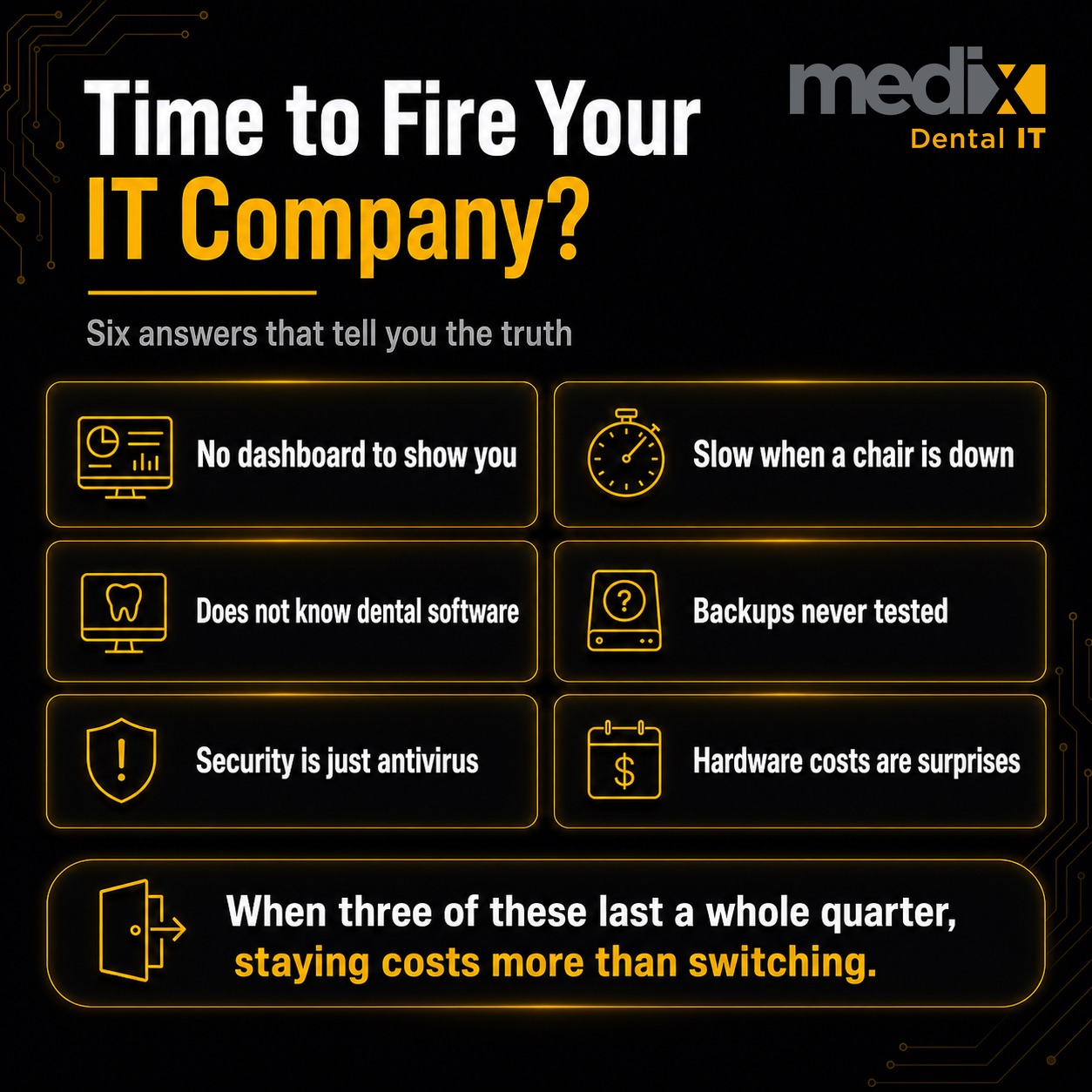
The 7 Red Flags
1. They Cannot Show You a Dashboard
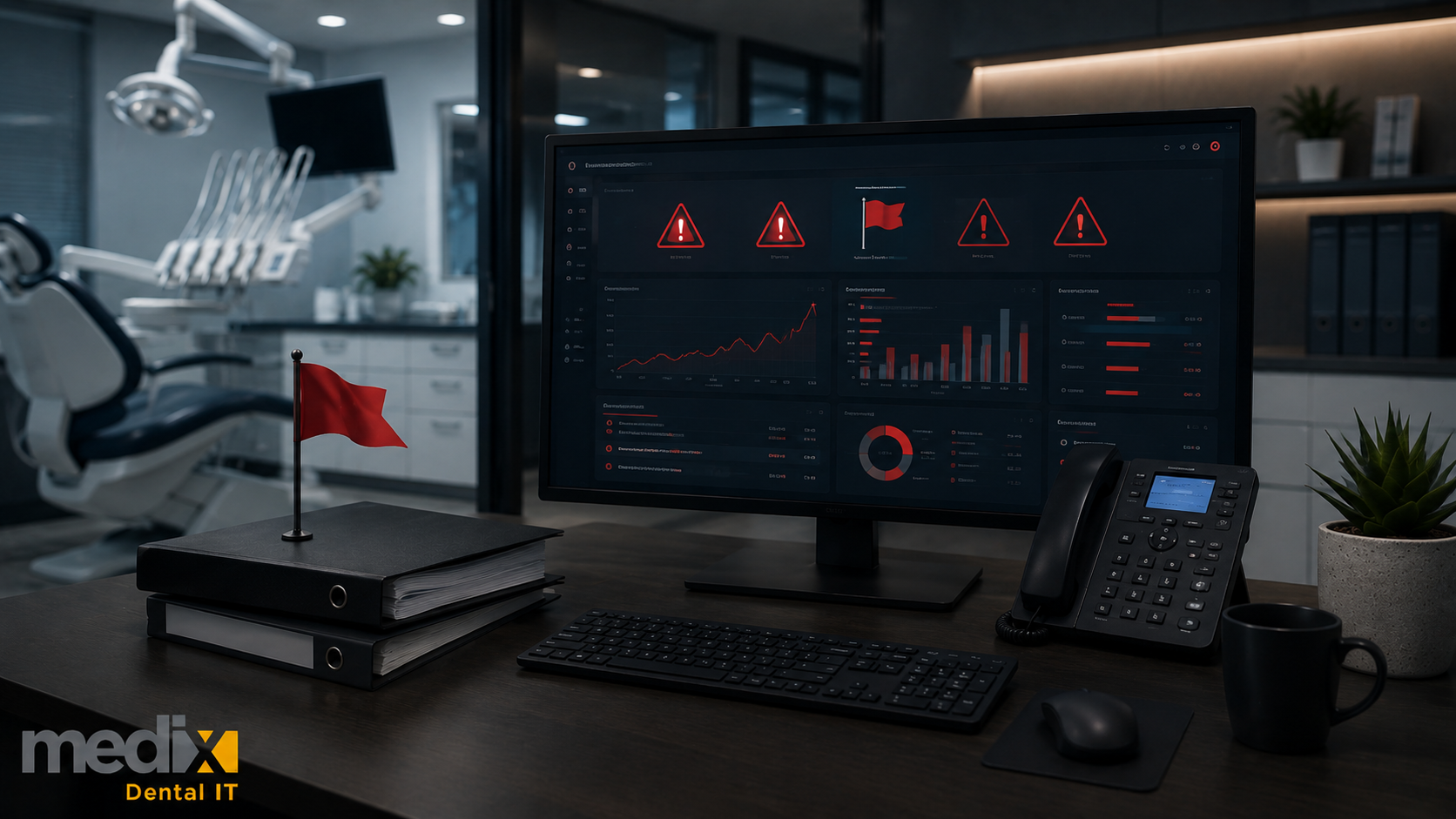
If your IT provider cannot produce a recurring monthly report with real numbers, you are buying activity, not outcomes. DSO leadership needs visibility that goes beyond ticket counts. The right report includes uptime and downtime minutes, mean time to resolution, endpoint compliance percentage (patching, encryption, EDR coverage), MFA adoption rate, phishing simulation failure rates, backup restore test status, and percentage of locations on the group’s standard configuration. The questions to ask are covered in more detail in the 9 must-haves for DSO IT providers. If your current partner shrugs when you ask for the dashboard, that is the answer.
2. Response Times Do Not Match a Clinical Environment
When a patient is in the chair, "someone will get back to you in 30 to 60 minutes" is not support. When the credit card terminal is down at checkout, "we will assign a technician later today" is not support. The question is not whether IT is working. It is how fast can you fix it when it is not. Dental support response times have to reflect a clinical environment, not a 9-to-5 office workflow. If your provider’s SLA reads like a generic small-business contract and they cannot point to dental-specific response targets, the contract was not written for you.
3. They Do Not Speak Dental Software
A large generalist MSP can outspend a dental IT company. They usually cannot outperform one. Dental IT is not just computers, servers, and support tickets. It is Dentrix, Eaglesoft, Open Dental, Curve, Dolphin, Carestream, Sidexis, intraoral sensors, CBCT, milling, payment systems, claims, e-prescribing, HIPAA, uptime, and clinical workflow all colliding in real time. If a ticket about a sensor driver failure or a PMS patch-Tuesday crash turns into a multi-day learning curve for the provider’s engineers, the practice is paying for on-the-job training. Generalist MSPs miss the details that quietly cost a practice real money.
4. Backups Are Untested or Unverified
Many dental offices rely on outdated or unmonitored backups. Trust but verify. A backup that has never been test-restored is not a backup. If your IT provider cannot produce a recent restore test log and cannot tell you the recovery time objective and recovery point objective for your PMS and imaging data, you have a backup that exists on paper and might not exist in practice. This is the failure mode that turns a ransomware incident into a 30-day closure instead of a 24-hour disruption. Dental data backup and disaster recovery done correctly looks like documented, restore-tested, offsite-replicated, and reviewed quarterly.
5. Cybersecurity Is Antivirus Plus a Checkbox
Antivirus is not a cybersecurity program. If your provider’s security stack stops at consumer antivirus and a firewall, your renewal cyber insurance attestation is going to flag it. Coalition’s 2024 Cyber Threat Index reported 82% of claims involved organizations without MFA and 94% of ransomware victims had backups targeted in the attack. Insurers now underwrite on actual controls: phishing-resistant MFA, endpoint detection and response on every workstation, tenant-level identity governance inside Microsoft 365 or Google Workspace, immutable offsite backups, quarterly vulnerability management. Microsoft Research found MFA reduces account compromise risk by 99.22%, and a meaningful share of dental practices still treat it as optional. If your provider is one of them, the renewal letter is the next red flag.
6. Multi-Location Visibility Does Not Exist
For DSOs and multi-location groups, this is the red flag that compounds fastest. One sentence has cost DSOs millions: "We will just keep the local IT guy at each practice." At 5 locations, it feels manageable. Tom wrote about why one person cannot cover a growing practice from the perspective of having been that person. At 20, you have 8 different MSPs, 8 different security baselines, 8 different ways tickets get handled, and zero unified reporting. Working with multiple MSPs is like running a hospital where every department uses a different language. If your IT provider cannot produce a per-location SLA report, a rolled-up KPI view across the group, and a documented playbook for onboarding the next acquired practice, you are paying for fragmentation, not a platform.
7. Hardware Lifecycle Is a Surprise Plan
Unplanned server failures. Emergency workstation replacements. Reactive spending that blows up budgets. The fix is boring: lifecycle planning. But boring is cheaper than chaos. If your IT provider cannot tell you the average age of workstations across your practice, the warranty status of every server, and a three-year CapEx forecast for hardware replacement, you do not have a refresh plan. You have an IT surprise plan. Pact-One’s hardware refresh guidance recommends 4 to 5 years for workstations and 5 to 7 years for servers, with our team holding active warranties throughout the cycle. The right partner builds the CapEx forecast into the integration calendar, not the next surprise quarter.
The 90-Day Offboarding Clock You May Already Be On
Dental MSP contracts commonly auto-renew unless you give written notice 60 to 90 days before the renewal date. The exact window is in the executed contract, not the marketing materials. Pull the executed contract and check the renewal language now, not later. If you recognize three or more of the red flags above and the renewal window is closer than 90 days, you are likely already too late to cleanly exit this term. The contract will roll for another year while the red flags keep compounding.
The clean offboarding workflow is the same one we run when a new dental practice or DSO hires us. Inventory every endpoint, server, and PMS instance the current provider touches. Confirm administrative credentials for every system (PMS, imaging, Microsoft 365 or Google Workspace tenant, firewall, backup vendor, RMM tool, EDR console). CISA Advisory AA22-131A on MSP credential reuse is the relevant federal guidance, and an MSP that holds your administrative credentials as their own is a documented industry risk, not a Medix opinion. Pull current backup repositories under your control. Renegotiate or migrate any third-party vendor relationships the MSP holds on your behalf. Transition tickets in flight. None of it requires the outgoing provider’s cooperation if the credentials and contracts are right. Rotating every one of those credentials afterward is the step practices skip, and it is far easier when they already live in a shared password manager the practice controls instead of a spreadsheet the old provider also has a copy of.
The Honest Tradeoff
Switching dental IT providers is real work. The migration is real, the staff retraining is real, and the first 60 days with a new partner are slower than steady state. The math has to be obvious. The math becomes obvious when three or more of the seven red flags above are running for more than a quarter and the current provider cannot meaningfully change the pattern when you raise it.
The dental IT provider you choose at five locations sets the trajectory at 25. The standardization, security baseline, identity model, and integration playbook get harder to change with every practice added on top of them. Picking the right partner is cheaper than picking the wrong one and fixing it later. Leaving the wrong one is cheaper than staying.
The Bottom Line
Red flags are patterns, not single incidents. Seven of them are listed above. If your IT provider is showing three or more for more than a quarter, the cost of staying is now higher than the cost of switching, and the renewal clock is the next thing to check. If you are already at that point, our roundup of the best dental IT support companies is a reasonable place to start building a shortlist.
If you want a second set of eyes on whether your current provider is actually managing your environment or just responding to it, our team runs dental cybersecurity assessments and managed IT support for dental service organizations against the same baseline above. Happy to compare notes.
Switching Dental IT Providers FAQs
How long does it take to switch dental IT providers?
For a solo practice with a single PMS, a small server, and three to four workstations, a clean transition typically runs three to six weeks once credentials and inventory are confirmed. A multi-location DSO on mixed PMS or with inherited MSP relationships from prior acquisitions takes longer, and the right approach is location by location rather than flipping everything at once. The goal is zero clinical downtime, and the timeline should be set by the operating calendar, not the outgoing contract.
Will switching dental IT providers cause downtime?
It should not, if the transition is planned correctly. The credentials, backups, and PMS data should be under your control before the cutover. New endpoint management, EDR, and identity governance tooling rolls in alongside the existing tools, not as a hard replacement on day one. Clinical downtime during a transition is a sign the transition was not planned, not a sign that switching itself causes outages.
What if my current IT provider has all our administrative passwords?
That is itself a red flag. The practice or DSO should hold administrative credentials for every system the MSP supports. If the current provider is the sole holder of credentials to your PMS, Microsoft 365 or Google Workspace tenant, firewall, or backup repositories, request and document those credentials before any conversation about renewal or transition. CISA Advisory AA22-131A documents the federal guidance on this. A provider that refuses or stalls on returning administrative credentials is failing the fiduciary baseline, separate from the IT performance question.
How much notice do I need to give to fire my dental IT provider?
Dental MSP contracts commonly include an auto-renewal clause requiring written notice 60 to 90 days before the renewal date, though some run shorter or longer. The exact window is in the executed contract, not the marketing materials. Pull the contract, find the renewal language, and calendar the notice deadline backwards from the renewal date. Missing that window typically means the contract rolls for another full term.
Is switching dental IT providers worth it for a solo practice?
It depends on which red flags are running. A single bad month is not a switching signal. Three or more red flags running for a quarter or more, with no meaningful change after raising them with the current provider, usually is. Solo practices often delay the decision longer than DSOs because the urgency is lower per location. The delay is also the most expensive part of the wrong-provider problem.
Posted in Dental Cybersecurity, DSO