

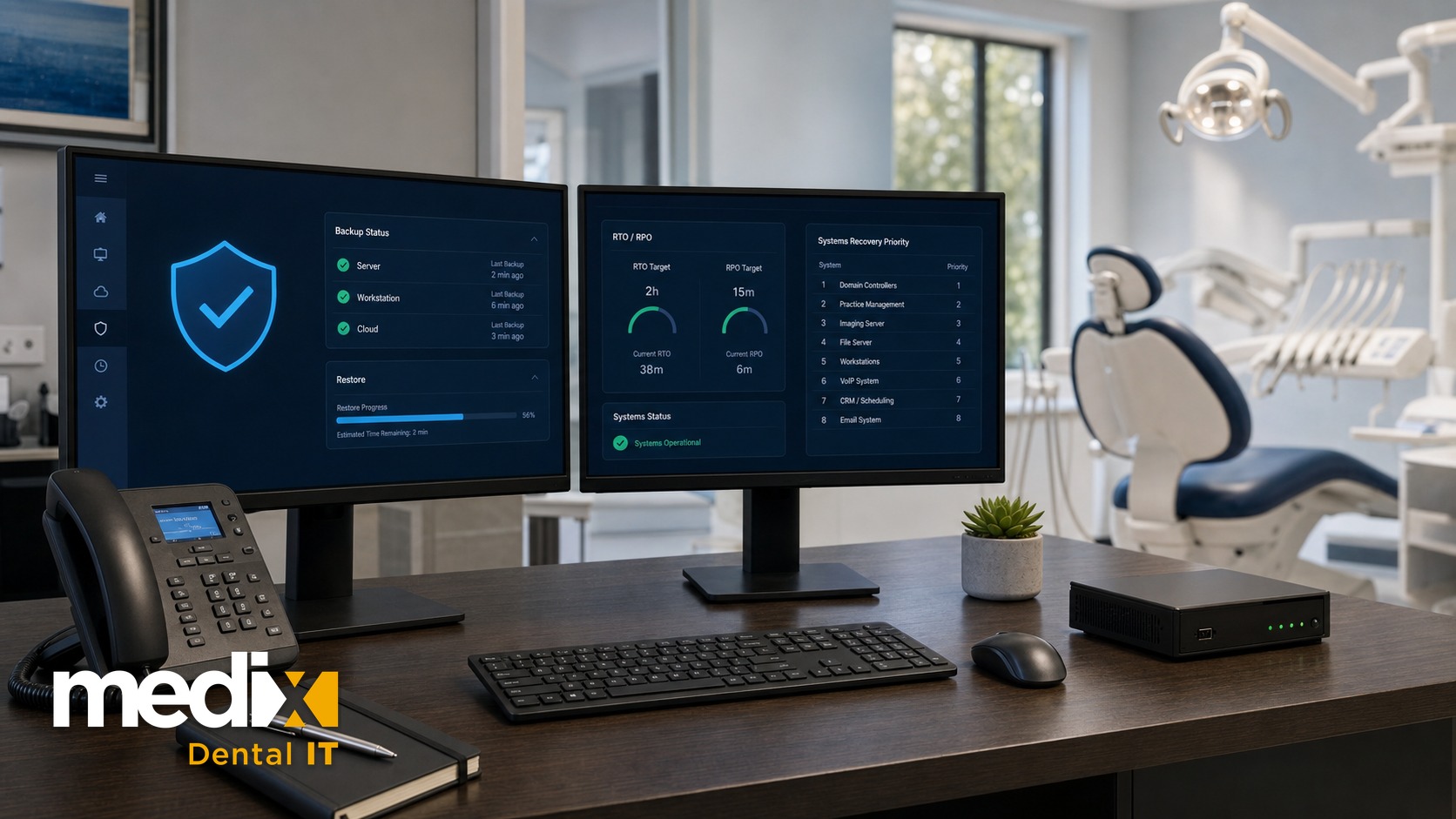
Most dental groups think they have a disaster recovery plan. What they usually have is a backup.
An IT disaster recovery plan for a dental practice is the written document that tells your team exactly how to restore operations after an outage: who has authority to declare a disaster, how fast each system must come back, and the order you bring things online. Backups are the data. The plan is the decision-making. If the only thing standing between your group and a week of downtime is a backup nobody has ever tested, you do not have a recovery plan. You have a hope.
At a single office, the order you bring things back is obvious, because there is only one office. Across a group it is the whole game. When a shared system goes down, you cannot bring ten locations back at once, and deciding which one comes back first, before the morning it happens, is what separates a plan that holds from one that collapses. That sequencing question is the part most dental recovery plans never answer, so it is the part I want to get to.
Why a Disaster Recovery Plan Is Different From a Backup
A backup copies your data. A disaster recovery plan decides what happens next. Those are two different jobs, and confusing them is the most common gap I see when I look at a multi-location group’s IT.
Here is the practical version. Your server goes down at 7:40 a.m. on a Tuesday with a full schedule. A backup answers one question: is the data safe. A disaster recovery plan answers the four that actually keep the doors open. Who declares this an emergency? Which location fails over first? How do we check patients in while the practice management software is dark? Who calls the vendor, and what is the escalation path when the first tech does not pick up?
The HIPAA Security Rule at 45 CFR 164.308(a)(7) actually names these as separate requirements. A data backup plan, a disaster recovery plan, and an emergency mode operation plan are all required implementation specifications. Testing and revision, plus applications and data criticality analysis, are addressable. Most practices can point to the backup. Far fewer can produce the written recovery plan the rule also requires.
If you want the data layer underneath all of this done right, start with dental data backup and recovery. This article is about the plan that sits on top of it.
RTO and RPO: The Two Numbers Your Plan Is Built Around
Every disaster recovery plan is built on two targets, and you cannot write one without them. They come from NIST Special Publication 800-34, the federal contingency planning guide, and they are worth understanding as a pair.
Recovery Time Objective (RTO) is how long you can be down before it hurts. If your imaging server has an RTO of four hours, your plan has to bring it back within four hours. Recovery Point Objective (RPO) is how much data you can afford to lose. An RPO of one hour means your backups run often enough that you never lose more than an hour of charting.
Set these per system, not once for the whole practice. Your practice management software and imaging probably need an RTO measured in hours. Your marketing site can be down for a day. At a group level, the numbers change again: a busy surgical office and a two-chair hygiene satellite do not carry the same recovery priority, and a plan that pretends they do will fail the one that matters most.
What Belongs in a Dental IT Disaster Recovery Plan
A real plan is short enough that a stressed office manager can follow it and specific enough that it removes guesswork. These are the parts that earn their place.
1. Scope and Authority to Declare
Name the systems the plan covers and the person who can declare a disaster. In a single office that might be the practice owner. In a group, it should be a central operations or IT lead, so a panicked front desk is not deciding whether to invoke the plan at 7:40 a.m. Ambiguity here costs you the first hour, and the first hour is the expensive one. If the outage turns out to be a breach rather than a failure, the sequence changes, and the breach playbook runs differently from a recovery one.
2. A Call Tree With Alternates
List who gets contacted, in order, with a backup name and number for every role. Vendors, your IT provider, the location leads, and clinical leadership. The plan fails the day the one person who knows the server password is on a plane and nobody has a second contact.
3. A System Inventory and Recovery Priority
You cannot recover what you have not written down. Inventory every system that touches patient care, each with its RTO, its RPO, and its restore order. When everything is down, this list is what stops the team from restoring the least important thing first.
4. Ransomware-Resistant Backups
Ransomware is the disaster your plan is most likely to face. Healthcare and public health was the most-targeted critical infrastructure sector for ransomware in 2025, according to the FBI’s 2025 Internet Crime Report, and your recovery plan is only as good as the backup it restores from. Follow a 3-2-1 approach with at least one immutable, offline copy that ransomware cannot reach or encrypt. A backup sitting on the same network as the infection is not a recovery option. If ransomware is your top trigger, pair this plan with your ransomware prevention approach so you are attacking both ends of the problem.
5. A Recovery Runbook
This is the ordered, step-by-step sequence for bringing systems back: what to restore, in what order, verified by whom. A runbook turns a chaotic morning into a checklist. Without it, recovery depends entirely on whoever happens to be in the room and what they remember.
6. Communication Templates
Pre-write what you tell staff, patients, and vendors during an outage. When the schedule is on fire, nobody has the bandwidth to draft a calm patient message from scratch. Having the words ready keeps a bad morning from becoming a reputation problem.
The Testing Cadence That Keeps the Plan Alive
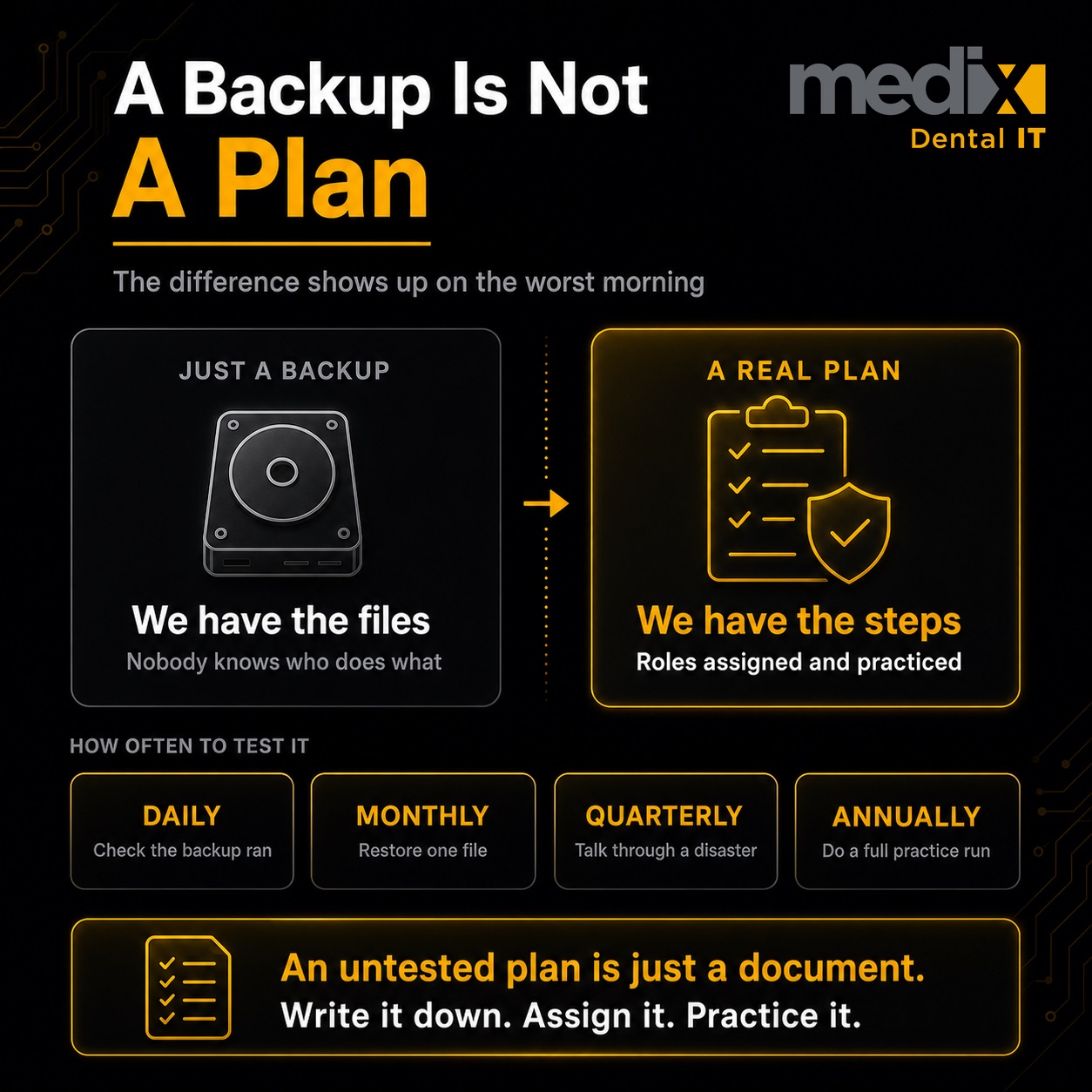
An untested backup is not a backup, and an untested plan is just a document. The plan is only real if you rehearse it on a schedule. Here is a cadence that works without consuming the whole team.
- Daily: confirm every backup job completed and verify the success alert. A silent failed backup is how a two-hour recovery becomes a two-week one.
- Monthly: spot-restore a single file or folder to prove the data comes back readable, not just that the job ran.
- Quarterly: run a tabletop. Walk the team through a scenario out loud and find the gaps before a real event does.
- Annually: perform a full restore test to a clean environment and confirm you hit your RTO and RPO targets.
The Multi-Location Wedge Most Plans Miss
Everything above applies to a single office. At group scale, three things separate a plan that holds from one that collapses on its first real test.
Recovery sequencing across locations. When a shared system goes down across the group, you cannot bring ten offices back at once. Your plan decides the order, usually by revenue and clinical urgency, so the surgical site is not waiting behind a satellite.
Standardization across acquired practices. Every practice you buy arrives with its own backup setup, its own vendors, and its own bad habits. A DR plan that only covers the offices you built leaves the ones you acquired exposed. This is also where downtime quietly hits valuation, because unplanned downtime erodes DSO EBITDA and shows up as a red flag in diligence.
What to do the day it happens. This plan is what you write in advance. Keeping your offices running in the moment is its own discipline, and it starts with real disaster preparedness across your practices. The plan and the response work together.
What a Real Recovery Looks Like
The groups that recover fast are not the ones with the most technology. They are the ones who wrote the plan down, assigned the roles, and tested the restore before they needed it. When a dental practice is hit by ransomware, the difference between a half-day interruption and a two-week shutdown is almost never the backup software. It is whether anyone had ever practiced bringing it back.
If your group has grown past a handful of locations and your disaster recovery plan is still a backup and a good intention, that is the gap worth closing first. Not because a regulator says so, though one does. Because the morning it matters, a tested plan is the only thing that keeps you seeing patients.
Dental IT Disaster Recovery Plan FAQs
Does HIPAA require a disaster recovery plan?
Yes. The HIPAA Security Rule at 45 CFR 164.308(a)(7) lists a disaster recovery plan, a data backup plan, and an emergency mode operation plan as required implementation specifications. Testing and revision is addressable, meaning you must assess whether it is reasonable and document your decision, but for a modern dental practice, skipping testing is very hard to justify.
What is the difference between RTO and RPO?
RTO, the recovery time objective, is how long a system can be down before the impact is serious. RPO, the recovery point objective, is how much data you can afford to lose, which sets how often backups must run. RTO is about time to restore. RPO is about data loss. You set both per system, not once for the whole practice.
How often should a dental practice test its disaster recovery plan?
Verify backups completed daily, spot-restore a file monthly, run a tabletop walkthrough quarterly, and perform a full restore test annually. The full test is the one most practices skip and the one that reveals whether you actually meet your recovery targets. A plan you have never rehearsed is a plan you do not really have.
What is the 3-2-1 backup rule?
Keep three copies of your data, on two different types of media, with one copy stored offsite. For ransomware specifically, at least one copy should be immutable or offline so an attacker on your network cannot encrypt it. A backup that lives on the same network as the infection is not a recovery option.
How much does downtime cost a dental practice?
It depends on your schedule, but the numbers are large. IBM’s 2025 Cost of a Data Breach Report puts the average healthcare breach at 7.42 million dollars, and analysis by Comparitech has measured healthcare ransomware downtime at roughly 1.9 million dollars per day across affected organizations. For a dental group, every hour the practice management software is dark is a full schedule of production you do not get back.
Posted in DSO


























































