

July 29th, 2026
Absolute Dental Data Breach: What It Means for Dental Practices
Industry Research — Dental Cybersecurity, News
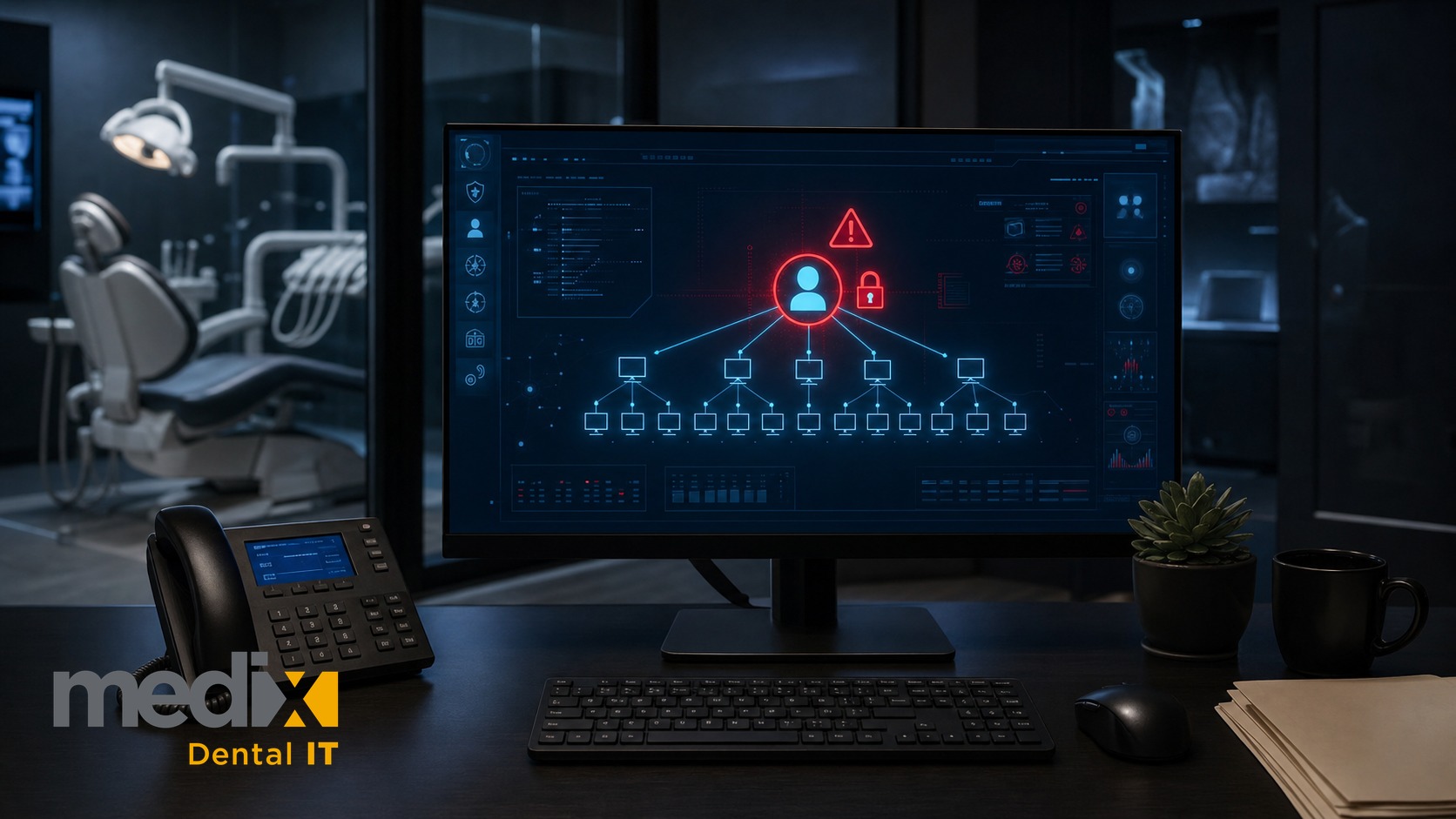
Most breach stories end with a lesson about employee training. This one points somewhere most practices have never looked.
The Absolute Dental data breach affected 1,223,635 individuals, and the way it appears to have happened should give pause to every practice owner and DSO leader who outsources their IT. Absolute Dental is a Nevada group with more than 50 locations. According to the company’s breach notice, the access appears to have come through an account associated with the group’s managed services provider. I’ll stick to what the notice says. But it raises a question worth asking about your own practice: if your IT provider’s account can reach every machine you own, then that access is part of your attack surface, whether you have ever thought about it that way or not.
What happened in the Absolute Dental breach
Absolute Dental became aware of a potential issue on February 26, 2025. Its notice says an unauthorized party accessed some of its systems between February 19 and March 5, 2025. Its review of the affected information was completed on July 28, 2025, and notification letters began going out on August 26, 2025. An initial report filed with federal regulators in May 2025 listed 501 individuals, and the count has since been updated to more than 1.2 million.
The detail that matters is the apparent entry point. The notice says the unauthorized access “appears to have originated from the inadvertent execution of a malicious version of a legitimate software tool, which occurred through an account associated with Absolute Dental’s third-party managed services provider.” Read that carefully, because the notice does not say the MSP itself was breached, and it does not say who ran the tool. What it describes is narrower and, honestly, more useful: the apparent route involved an account associated with the MSP. Absolute Dental has not publicly named the MSP or the tool in its notice, and neither will I. The notice says the information that may have been affected includes names, contact information, dates of birth, Social Security numbers, driver’s license and state ID numbers, other government IDs, and health and treatment information, with financial account or payment-card details for a small number of people. A class-action settlement of $3.3 million received preliminary approval in March 2026, and the court granted final approval on July 30, 2026.
Why your IT vendor is your attack surface
Many practices and mid-size DSOs give an outside IT provider deep, standing access to the whole environment. That access is the entire point of the relationship. The MSP needs to reach every machine to patch it, monitor it, and fix it at 7 a.m. before the schedule loads. But that same reach means anything that gets in through a vendor account is not a foothold in one workstation. It is a foothold in everything, all at once, wearing a uniform your systems already trust. The account is the exposure, regardless of how it gets misused.
This is why a vendor account is a different problem from a hijacked front-desk mailbox. When a front-desk account gets phished, the attacker inherits that one person’s access. When something reaches the network through a vendor’s administrative account, it inherits control designed to touch every device in the practice. And your security tools are built to flag the outsider. They can also struggle to flag malicious activity running under a trusted account.
For a DSO, the math is worse. An MSP account can span multiple locations. The same standing access that lets a vendor manage those offices efficiently can, if misused, reach patient data wherever that account has permission.
What practices and DSOs should do now
You cannot audit an attacker, but you can change how much your IT vendor is allowed to do and how closely that access is watched. You also do not need to be technical to start. Here are four questions to ask your IT provider, and what a good answer actually sounds like:
- “Do you have full admin access to everything, all the time?” Many providers do, because it is convenient. The better arrangement is access granted for a specific task and taken back when the task is done (the industry terms are “least privilege” and “just-in-time access”). A good answer explains how and when their access is elevated and removed. A bad answer is “we need it to support you,” with no further detail.
- “How do your technicians log in to our systems, exactly?” You are listening for a physical security key or a passkey, not a texted code and not a push notification they can approve by reflex. Accounts with broad administrative access deserve your strongest login protection, not your weakest. A good answer names the method without being asked twice.
- “If something ran under your technicians’ account against every one of our computers at 2 a.m., would anyone notice?” A good answer describes logging and alerting on what runs under vendor accounts, from where, and against how many machines at once. If the answer is “that would never happen,” you have your answer.
- “What in our contract actually requires any of this?” Go pull the agreement. Your business associate agreement and vendor contract should name specific obligations: multi-factor authentication on their accounts, a deadline for notifying you of a breach, and your right to review their controls. “We take security seriously” on a sales page is not a control. A clause you can enforce is. If your provider will not put it in writing, that itself is the finding.
The trusted-vendor blind spot
Here is a blind spot worth checking in your own practice. Practices spend their security budget defending against the outside world, the phishing email, the ransomware attachment, the stranger at the perimeter. Then the way in can be an account everyone already trusts by default, one associated with a vendor. In our roundup of the biggest dental data breaches, three of the five cases with public details involve a trusted third party. Some vendor incidents are also hard to trace on the HHS breach portal, as our study of dental vendor data breaches shows. The recent DentaQuest breach is a different kind of third-party exposure: a benefits administrator holding data on patients from many practices, breached on its own network. Its notices do not say how the attackers got in.
For owners who outsource IT, the uncomfortable truth is that outsourcing does not outsource the risk. You can hand a vendor the keys, but the patients whose data is at risk are still yours, and so is the notification letter, the legal exposure, and the phone call at the front desk.
I will be straight about the hard part, because most articles like this skip it. If you run three practices, you may not have much leverage over the provider you rely on. Asking a small local vendor to give up standing admin access and sign audit rights can get you a shrug or a bigger invoice. Ask anyway. What you are really testing is whether your provider treats security as part of the job or as an upsell, and the answer tells you a great deal about the relationship. If you run a group with several providers across locations, the harder problem is inconsistency: one vendor may do this well and another may never have been asked, and you will not know which until someone checks. That is the work, and it is worth doing before an incident does it for you.
This is what we do for the groups we protect at Medix Dental IT. We scope what an outside provider can reach, watch how that access gets used, and hold the people with the master keys to the highest standard in the building rather than the lowest. If you have never actually looked at what your IT vendor can touch, start with the four questions above. If the answers make you uneasy, our cybersecurity assessment exists to turn that unease into a specific list. Prevention is always cheaper than panic.
Posted in Dental Cybersecurity, News


























































