November 25th, 2026
7 Best Dental Analytics Software for Groups and DSOs (2026)
Industry Research — DSO
Ask three office managers in the same group for last month’s collections, and you can get three different numbers.
Dental analytics software is a reporting layer that reads data from your practice software on a schedule and shows production, collections, scheduling, hygiene and claims for every location on one screen. For a group, its real job is giving every office the same definitions, so leadership compares offices on the same math.
We compared seven tools the way a dental IT firm looks at them: what each one connects to, how fresh its data is, what it publishes about security, and what it costs. One disclosure first: Medix uses SmileData, several groups we support run it, and Medix receives no payment from SmileData.
What Dental Analytics Software Adds to the Reports You Already Have
Every practice system ships with reports. The trouble starts at the second and third location, when each office runs its own exports and builds its own spreadsheet. If you are still choosing that system, start with our guide to the best dental practice management software, because it decides what any analytics tool can read.
An analytics layer sits on top. It reads each office’s data, keeps one definition for each KPI, and lets a regional director compare locations without asking anyone to run a report. Your PMS dashboard is not a data strategy. A shared set of definitions is where one starts.
There is a security cost. Most of these tools hold their own copy of your practice data, so adding one means adding a vendor to your HIPAA program. That is why the security column in the table below matters as much as the feature list.
The Best Dental Analytics Software for Groups and DSOs in 2026
The order below is not a score. Each tool fits a different kind of group, and the section after the list matches each one to a situation. Every figure comes from the vendor’s own site.
| Software | Published price | Practice software covered | Data refresh | Security published |
|---|---|---|---|---|
| SmileData | $399 per office per month | Open Dental (deepest), Dentrix, Eaglesoft | Nightly | Signed BAA, security page. No SOC 2 named |
| Jarvis Analytics | $350 per office per month, $500 setup fee | Says it is agnostic. No list published | Real-time, per vendor | HIPAA, single sign-on, IP whitelisting |
| Dental Intelligence | Not published | Demo form lists Open Dental, Dentrix family, Eaglesoft, Denticon, Fuse | Not stated | SOC 2, PCI, HIPAA, posted BAA |
| Practice by Numbers | From $249 a month | 25+ systems | Real-time, per vendor | BAA on request, AES-256 at rest |
| OS Dental | From $399 a month | 13 systems, incl. CareStack, Curve, Denticon | Depends on the source system | BAA, role-level access |
| Practice Analytics | Annual license, priced by module | Dentrix, Dentrix Enterprise, Eaglesoft, Open Dental | Real-time, per vendor | BAA signed before install |
| Gaidge | Not published | Orthodontic systems: OrthoTrac, Dolphin, cloud9Ortho, Ortho2, Tops | Nightly | Says data arrives without patient identifiers |
1. SmileData: Reporting Matched to Your Open Dental Numbers
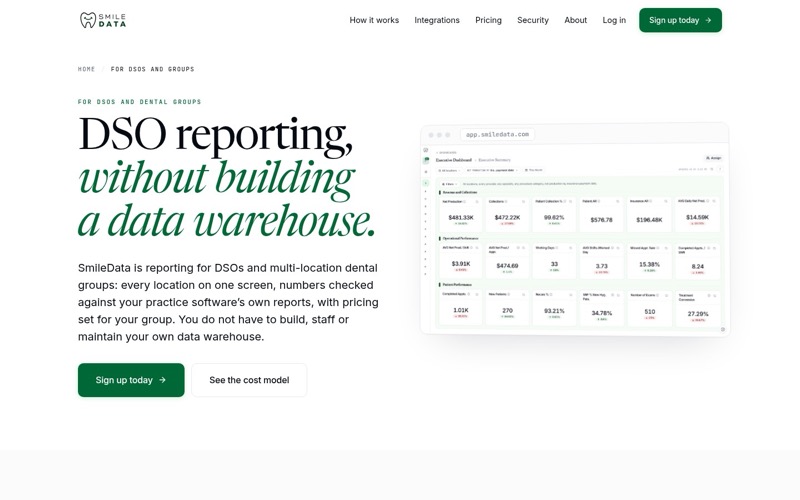
SmileData lists $399 per office per month with no contract, four built-in dashboards, and charts you request in plain English. Its deepest integration is Open Dental, and it publishes a one-office Open Dental report next to its own numbers, figure for figure.
Where it shines: SmileData says a KPI saved once gives everyone in the organization the same definition, with roles so each person sees only their locations. It also says onboarding is $0 and an Open Dental office goes live the day it connects. Groups of more than 20 locations can move to Enterprise pricing and keep their own data warehouse.
Where I’d hesitate: data refreshes nightly, the security page names no SOC 2 report, and the BAA leaves breach notification costs with the practice, except to the extent a court or regulator finally determines SmileData’s violation of the BAA caused the breach. Our full SmileData review walks through each clause.
Best for Open Dental groups without a data team.
2. Jarvis Analytics: A Deep KPI Library at a Published Per-Office Price
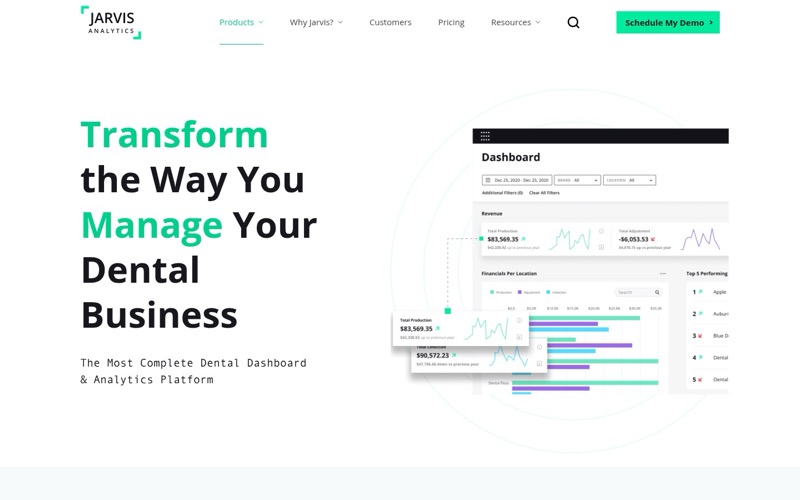
Jarvis Analytics builds its pitch around DSOs. Its pricing calculator shows $350 per office per month, plus a $500 setup fee it offers to waive after a demo. It advertises 50+ KPIs for office, doctor, hygiene and specialty, and scorecards for your top and bottom 20% of performers.
The strength is ranking locations and providers against each other, which is what a regional director needs from a dashboard. As a group grows, the bottom 20% is where I would start asking questions, whether the cause turns out to be staffing, payer mix or a system problem. Its plan table lists single sign-on and IP whitelisting.
I’d hesitate on integration claims. Jarvis calls itself agnostic to practice software but publishes no list of supported systems, so request that list and ask how its “real-time” sync reaches your database before any office goes live.
Best for groups that want ranked scorecards across many locations.
3. Dental Intelligence: The Suite That Publishes SOC 2
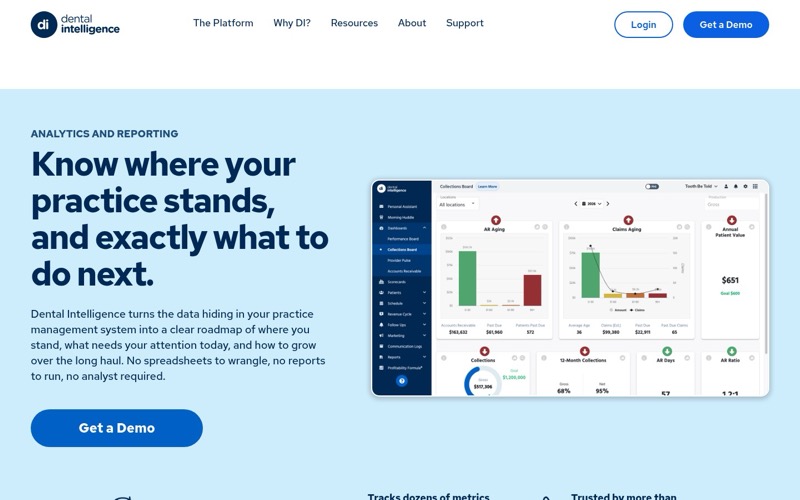
Dental Intelligence reports more than 10,000 practices, the largest customer count published on this list. It states HIPAA, SOC 2 and PCI compliance, runs a Trust Center, and posts its BAA. Its analytics now sit inside a wider suite with patient messaging, phones and an AI receptionist.
What it does well: one vendor for analytics and patient engagement, with the option to ask a question of your data and get an answer in seconds. For a compliance lead, a published SOC 2 claim is a starting point, so ask for the report itself and check what it covers.
Where I’d hesitate: it does not publish pricing, and you may pay for modules your group already covers with other tools. Price the analytics on their own. Its demo form names seven practice systems plus “Other,” so confirm each office’s system is supported.
Best for groups that want analytics and patient engagement from one vendor.
4. Practice by Numbers: Broad Integration Coverage From $249 a Month
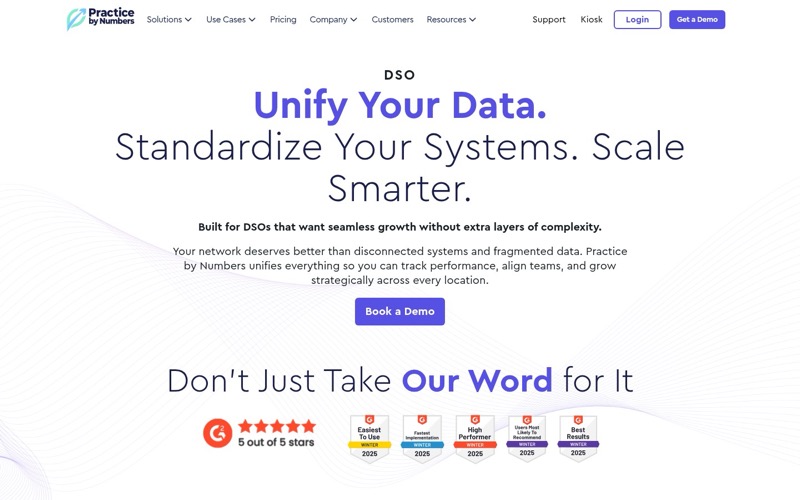
Practice by Numbers lists 25+ practice software integrations, the longest published list here, from Dentrix and Open Dental to Curve, Dolphin and several oral surgery and perio systems. It starts at $249 a month and reports more than 5,000 practices.
Groups pick it for breadth. A DSO that buys offices on different systems has a better chance of bringing a new acquisition into group reporting before anyone migrates its practice software. It offers single sign-on across “5 or 500 offices,” encrypts data at rest with AES-256, and keeps it in US data centers.
Where I’d hesitate is the fine print. Its site does not say whether $249 is per location, and its FAQ says data exports are “available upon request.” Ask what that means at contract end, and settle both before you sign.
Best for mixed-system groups that want breadth at a lower published starting price.
5. OS Dental: Multi-System Reporting With Finance Data
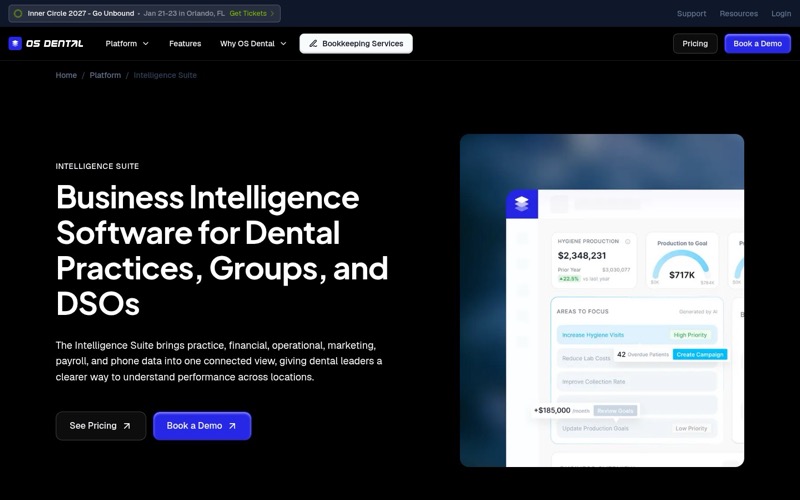
OS Dental sells its Intelligence Suite from $399 a month, noting that enterprise pricing may vary. It lists 13 practice systems, including CareStack, Curve, Denticon and Cloud 9, and pulls accounting, payroll, phone and marketing data into the same view.
The fit is a group mid-migration between practice systems that still needs one P&L and one set of KPIs. Role-level access limits each manager to their own locations. Bookkeeping is a separate service from $650 a month, which matters for groups whose accounting still runs office by office.
Where I’d hesitate: OS Dental is candid that multi-system reporting is “Not necessarily” real-time, because refresh timing depends on each source. Ask how often each of your systems will sync.
Best for multi-system groups that want practice and financial reporting in one place, with bookkeeping as a separate service.
6. Practice Analytics: Dentrix-Certified Analytics for Groups and Health Centers
Practice Analytics calls itself a certified partner for Dentrix, Dentrix Enterprise, Eaglesoft and Open Dental, and runs dedicated pages for DSOs and community health centers. It signs a BAA before installation and sells an annual license, billed monthly and priced by module.
It suits groups on Dentrix or Dentrix Enterprise, which gets its own integration page. A separate Hygiene Manager product is advertised at $99 a month.
Where I’d hesitate: the install puts a database and an export service on your own computers, which then send data to its cloud. If that runs at every office, a 20-location group has 20 more services to patch and monitor. Henry Schein One has also published a Dentrix Enterprise transition to Ascend, which Practice Analytics does not list, so ask about its plans.
Best for Dentrix-based groups and community health centers.
7. Gaidge: Benchmarks Built for Orthodontic Groups
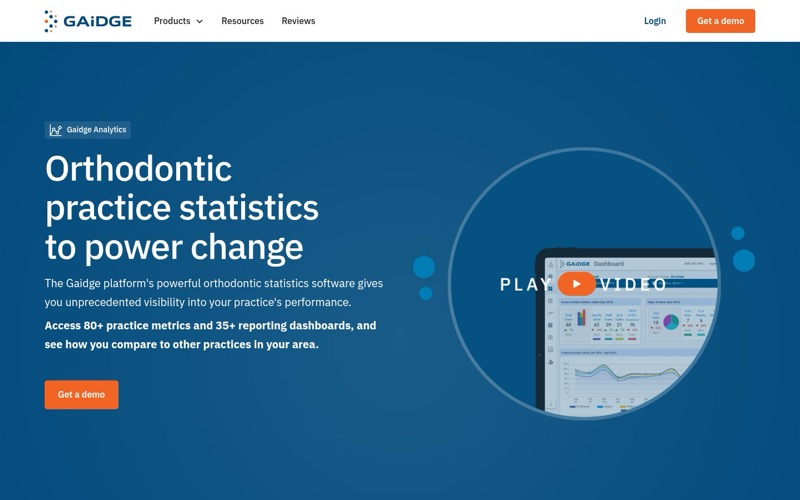
Gaidge is built for orthodontics. It connects to OrthoTrac, Dolphin, cloud9Ortho, Ortho2 and Tops, transfers data nightly, and advertises 80+ practice metrics and 35+ reporting dashboards.
Benchmarking is the draw. Gaidge compares your performance against data from 1,500+ practices across 11 regions. Its FAQ also says your data transfers with “an anonymous and unique identifier that does not contain any personal patient information,” and access follows the permissions you set.
Where I’d hesitate: it does not publish pricing, and it sells an Executive Membership and a forms product alongside analytics. Ask which pieces your group needs, and ask how its de-identification works.
Best for orthodontic groups. In a multi-specialty group, I would run Gaidge on the ortho offices and a general tool on the rest, then reconcile the KPI definitions between them.
Only One of Seven Publishes a SOC 2 Claim
In the vendor pages and site searches we ran, only Dental Intelligence says it is SOC 2 compliant. The others describe a BAA, encryption, access controls or de-identified transfers, which is a fair start, and none of them name a third-party audit on the pages we found.
So your vendor review has to ask. Before any analytics tool reads your practice data, get four answers on paper:
How many copies of our data do you keep, and where? Our piece on how many copies of patient data your vendors keep covers what to ask.
Does anything install on our servers? Software running inside your network needs patching and monitoring like everything else you own.
Who pays if you have a breach? Read the BAA’s notification clause, not just the deadline.
What do we get back when we leave? Self-serve export and export on request are not the same thing at contract end.
When to Build a Data Warehouse Instead
At some size, a group outgrows a dashboard. The difference between a dashboard and a data warehouse is the difference between reporting and intelligence. A warehouse gives you your own definitions, your own models and full control of the data, including questions no vendor built a chart for.
It also takes people. SmileData’s own cost model, which is a vendor illustration, puts a 10-office self-built warehouse at about $783,057 over three years and says most of that is people. A group that self-hosts its practice system has an easier path, because it can read its own database directly. Our Open Dental Cloud vs self-hosted comparison explains why.
My default: buy the dashboard until you have a data engineer and a question the dashboard cannot answer. Then build the warehouse, and choose a dashboard that can read from it.
Which Dental Analytics Software Fits Your Group
An Open Dental group with no data team should start with SmileData. When a compliance review needs a published SOC 2 claim, Dental Intelligence is the first call.
Groups running several practice systems after acquisitions should compare Practice by Numbers and OS Dental. Dentrix and Dentrix Enterprise groups can look at Practice Analytics and ask about Ascend. Orthodontic offices belong on Gaidge, and Jarvis earns a look when ranked scorecards are the main ask.
Whichever you pick, settle the harder question first: does every office in your group already agree on what a collection is?
Dental Analytics Software FAQs
What is the best practice analytics software for a single dental office?
For one office, the built-in reports in your practice system may be enough if someone reviews them every week. If not, SmileData and Jarvis publish per-office pricing, and Practice by Numbers publishes a starting price. I would pick the one that integrates most deeply with your practice software, because accuracy matters more than chart count when one person reads the numbers.
Which systems provide DSO trends and reporting without a separate tool?
Some practice systems built for groups keep every location in one database, so their own reports can compare offices. Our guide to dental PMS options for groups compares them. Those reports usually show what happened in each office. A separate analytics tool earns its cost when you need one definition per KPI across offices, or data from systems outside your practice software.
What is dental business intelligence software?
Dental business intelligence software is the broader category that includes analytics dashboards, data warehouses and general BI tools such as Microsoft Power BI. A dental-specific product comes with dental KPIs already defined. A general BI tool can show anything, but someone on your team has to build and maintain every definition, and that upkeep never stops.
Posted in DSO