

July 20th, 2026
HIPAA Compliance Checklist for Dental Practices
Industry Research — Dental Cybersecurity
Most dental practices believe they are HIPAA compliant. Far fewer can prove it if an auditor walks in.
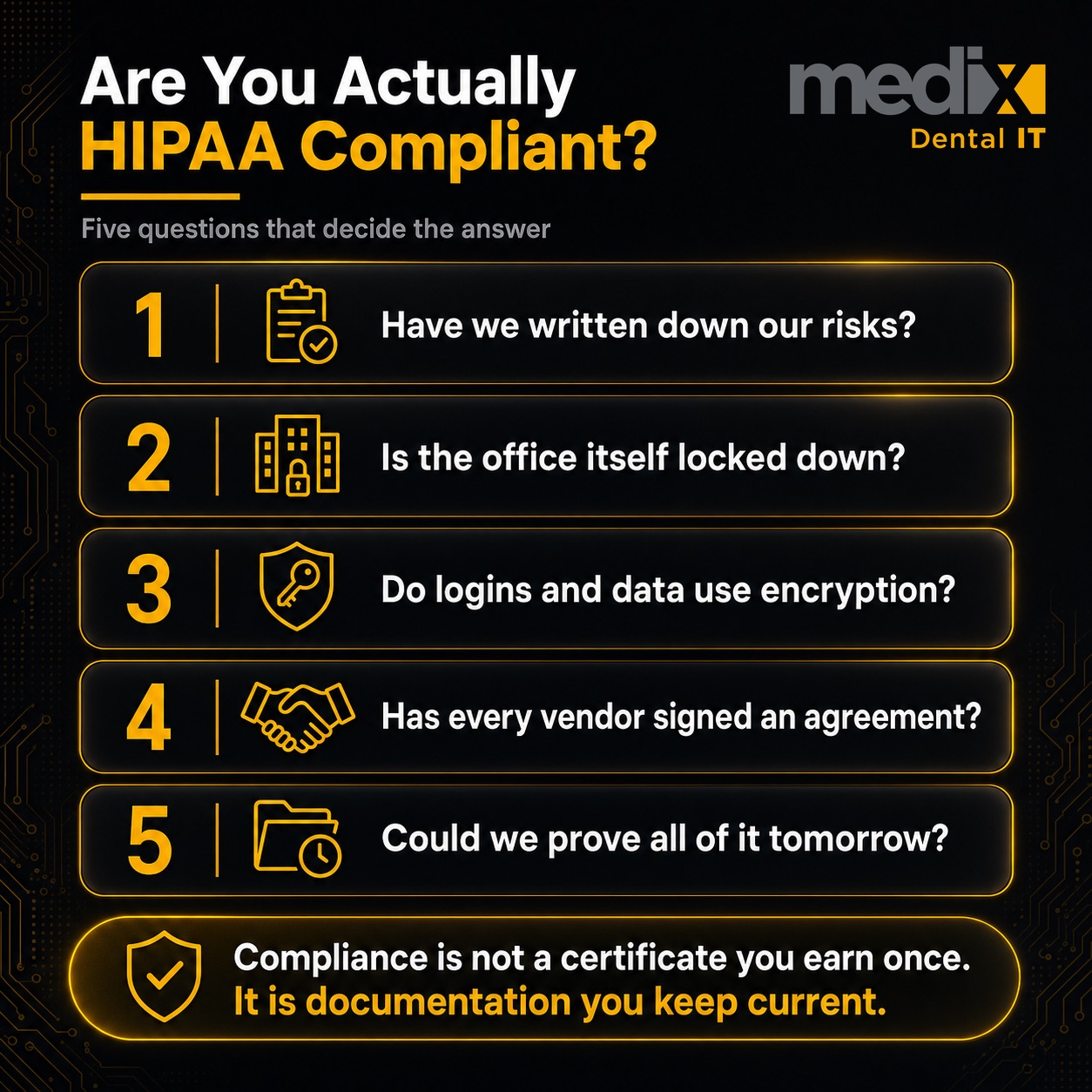
A HIPAA compliance checklist for dental practices is a structured self-audit across five areas: administrative safeguards, physical safeguards, technical safeguards, business associate agreements, and policies and breach readiness. Those five areas mirror the structure of the HIPAA rules themselves, and they are where practices accumulate the most risk between checkups. Compliance is not a certificate you earn once. It is documentation you keep current, and this checklist is how you keep it honest.
If you only do one thing: complete item 1, the documented security risk analysis. A missing or stale risk analysis is the single most common finding in federal enforcement, and almost everything else on this list flows from it.
Administrative Safeguards (45 CFR 164.308)
These are the policies and processes that govern how your practice manages security. They are the backbone of the rule, and the area where paperwork gaps hurt most.
1. Complete a Documented Security Risk Analysis
The Security Rule requires an accurate and thorough assessment of the risks to electronic patient data under 45 CFR 164.308(a)(1). The rule says to do it periodically, not on a fixed calendar, but at least annually and after any major change is the accepted standard. This is the document auditors ask for first. If you have one thing on this list handled, make it this. A partner can run this as a formal documented security risk analysis if you do not have the internal capacity.
2. Assign a Security and Privacy Officer
Name someone responsible for security and someone responsible for privacy. In a single office these can be the same person. In a group, decide whether this is centralized or per location, and write it down. Undocumented responsibility is the same as no responsibility.
3. Train Every Workforce Member, and Log It
Security awareness training is required for everyone who touches patient data under 164.308(a)(5), and the documentation matters as much as the training. An untracked training session does not help you in an audit. Retrain on a schedule and keep the records.
Physical Safeguards (45 CFR 164.310)
These protect the physical spaces and devices where patient data lives. They are easy to overlook because they feel like facilities, not IT.
4. Control Facility and Screen Access
Lock down server rooms and any space with unattended workstations, and position screens so patient information is not visible from the waiting room. These are among the HIPAA violations dental practices commit most often, precisely because they are physical habits, not settings.
5. Sanitize Devices Before Disposal
Old workstations, imaging machines, and drives hold years of patient data. Wipe or destroy them to a documented standard before they leave the building. A traded-in computer with an unwiped drive is a breach waiting to be reported.
Technical Safeguards (45 CFR 164.312)
These are the controls inside your systems. This is where the proposed Security Rule changes would land hardest, so it is worth getting ahead of.
6. Enforce Unique Logins, MFA, and Encryption
Every user needs a unique ID, which is a required specification under 45 CFR 164.312(a). Encryption of patient data, at rest and in transmission, is currently addressable, meaning you either apply it or document why an equal alternative is reasonable. Addressable does not mean optional. Turn on multi-factor authentication everywhere and treat encryption as the default rather than the exception, because “we chose not to” without documentation is exactly what an investigator flags after a breach. A shared front-desk login quietly defeats the unique-ID requirement, and it is usually the last one a practice fixes. That is the practical argument for putting credentials in a managed password manager instead of the browser on each workstation.
7. Turn On Audit Logging
Audit controls are a required specification under 164.312(b). Your systems should record who accessed what and when, and someone should actually review those logs. Logging you never look at tells you nothing until it is evidence in a breach investigation.
Business Associate Agreements (45 CFR 164.308(b), 164.502(e))
8. Sign a BAA With Every Vendor That Touches Patient Data
Any vendor that creates, receives, maintains, or transmits patient data on your behalf needs a signed agreement, from your practice management software to your cloud backup provider. This is a frequent gap because vendors accumulate faster than paperwork. Keep a current list of every vendor and confirm each has a signed business associate agreement in place. If you cannot produce the agreement, the relationship is a liability.
Policies, Documentation, and Breach Readiness (45 CFR 164.316, 164.400-414)
9. Keep Written Policies, Retain Records for Six Years, and Have a Breach Plan
HIPAA requires written policies and that you retain compliance documentation for six years. It also requires that you notify affected individuals within 60 days of discovering a breach. Have a written breach-response plan ready before you need it, because the 60-day clock does not wait for you to figure out what to do. The deadline is also more commonly misstated than almost any other number in HIPAA, so it is worth knowing what the rule on dental data breach notification actually requires before you are working against it.
The One-Page Dental HIPAA Compliance Checklist
Print this and walk it location by location. If you cannot check a box with documentation behind it, that is your next task.
| Area | Control | Done? |
|---|---|---|
| Administrative | Documented security risk analysis (at least annual) | |
| Administrative | Named security officer and privacy officer | |
| Administrative | Workforce security training, with logs | |
| Physical | Facility access and screen privacy controlled | |
| Physical | Devices sanitized before disposal | |
| Technical | Unique logins, MFA everywhere, encryption | |
| Technical | Audit logging on and reviewed | |
| Organizational | Signed BAA with every vendor touching patient data | |
| Policies | Written policies, 6-year retention, breach plan |
A Note for Multi-Location Groups
At a single office, this checklist is a morning of work. Across a group, the real challenge is not completing it once. It is proving every location can pass it at the same time. That means one standard applied everywhere and the documentation to show it, not nine separate binders in nine different states of maintenance. If you cannot answer “would every one of our offices pass this today” with a confident yes, that gap is where a group’s compliance risk actually lives.
Dental HIPAA Compliance Checklist FAQs
How often does a dental practice need a HIPAA risk assessment?
The Security Rule requires a risk analysis periodically rather than on a fixed schedule, but at least annually and after any major change, such as a new system or a new location, is the accepted standard and what auditors expect. A stale or missing risk analysis is the most common finding in federal enforcement, which is why it sits at the top of any real checklist.
Do small dental practices have to comply with HIPAA?
Yes. HIPAA has no small-practice exemption. A solo office and a hundred-location group are both covered entities and both must meet the same Security Rule safeguards. The difference is scale of effort, not whether the rules apply. Smaller practices sometimes carry more risk because they assume the rules are meant for hospitals.
What are the penalties for a HIPAA violation in a dental office?
Civil penalties run in four tiers based on culpability, from a practice that did not know about a violation up to willful neglect that was never corrected. For what that looks like in practice, we catalogued every dental practice OCR has penalized and the amount behind each case. Each tier carries a per-violation range and an annual cap, and the amounts are adjusted for inflation every year. The practical point is that failing to document good-faith effort, especially a risk analysis, moves you into the higher tiers.
Is the HIPAA Security Rule changing, and when?
In January 2025, federal regulators proposed updates to the Security Rule that would make several currently addressable controls, such as encryption and multi-factor authentication, explicitly required, and would mandate more frequent risk analyses. That proposal is still a proposal, not final law, and it is not being enforced. It has also slipped: the federal regulatory agenda now lists it as a long-term action with final action projected in 2027, which is an agency estimate rather than a deadline. It is worth preparing for, but frame it as proposed until a final rule is published.
Posted in Dental Cybersecurity


























































