

September 3rd, 2026
The Payer Portal Problem: Why Dental Groups Share Logins
Industry Research — Dental Cybersecurity
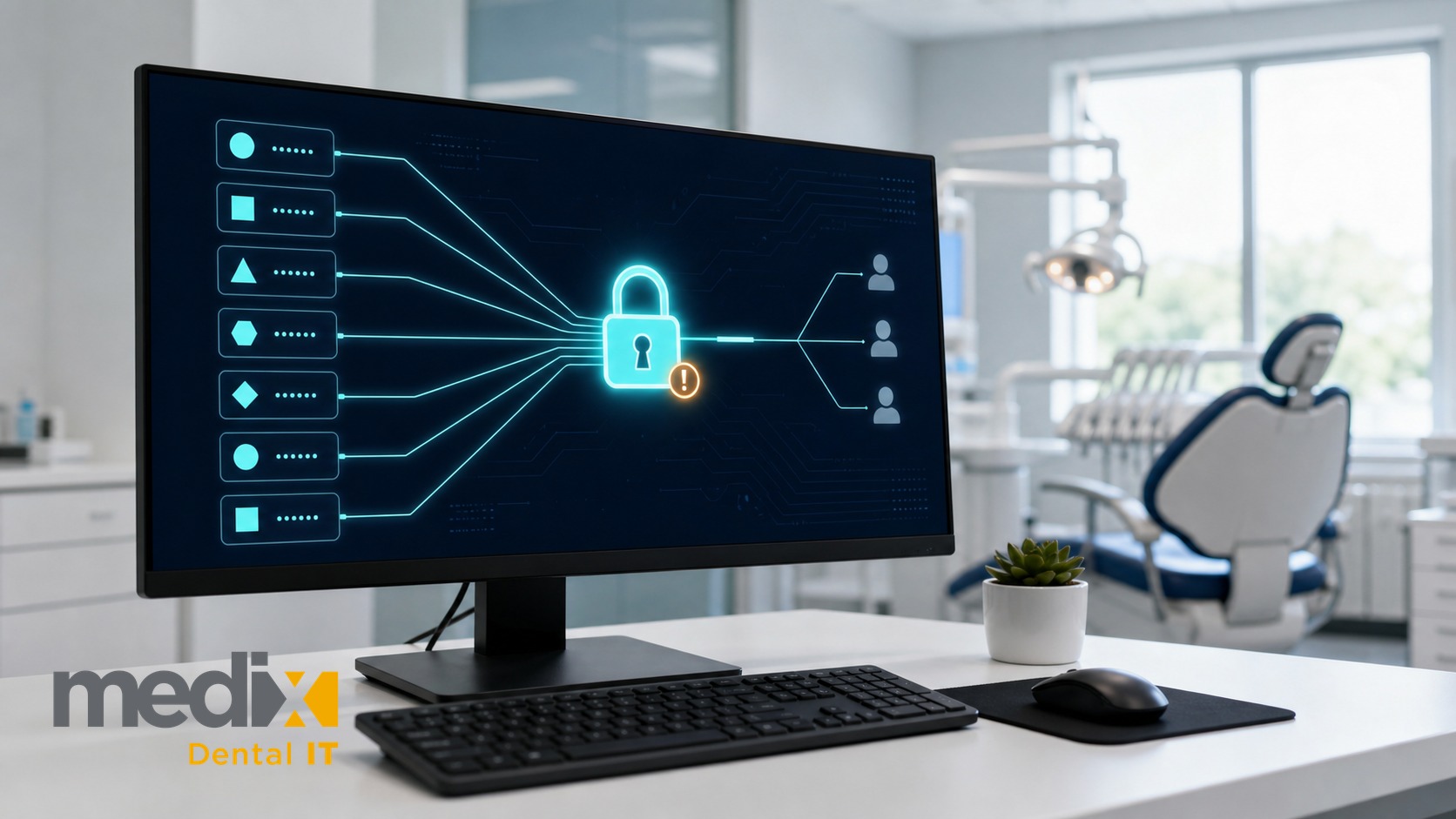
Several of the carriers your billing team complains about will issue individual logins today, and almost nobody claims them.
That reframes the payer portal problem entirely. A centralized billing team runs on one account, one password, and a verification code arriving somewhere only one person can see, and most groups assume the payer forced that on them. Worth checking whether it did.
The Carriers Are Not the Whole Problem
The Provider Tools guidance used by several Delta Dental companies makes the case better than I would. “We encourage each person to register separately so that if someone leaves the practice, that person’s user name and password can be deleted while leaving the others intact and usable.”
Cigna goes further. Each TIN on its provider site must assign at least one and up to 15 website access managers who approve new users, assign entitlements, and remove access for people who no longer need it. Cigna does not review those calls, so the administration is yours.
Medical settled this years ago. Availity, the portal many health plans use, ties access and permissions to “each user’s job function, so a biller, coder, or front-desk rep sees only the tools and data they need.”
So the capability exists at some of the largest carriers your group bills. What is missing is anyone whose job is to use it. At one office an owner-dentist absorbs that role. At twenty it belongs to nobody unless you assign it.
Where the Real Constraint Lives
None of that makes the complaint wrong. It relocates it.
Support for individual users is uneven and inconsistently documented. Some carriers publish a full administrator model, some publish registration steps and nothing about roles, and member companies of the same brand differ from each other. Delta Dental alone is a network of 39 independent companies.
So there is no single answer your billing lead learns once. There are dozens, each needing somebody to register users and maintain the list as people come and go. Multiply that by every payer you contract with and every location you have added, and it stops being an afternoon of admin. That work has no owner in most groups, so the shared login wins by default.
MFA Turned a Nuisance Into an Operating Constraint
For years the shared portal login was an annoyance the front desk absorbed. That changed when the payers added multi-factor authentication.
Delta Dental member companies have made MFA mandatory for provider portal access. The California Dental Association notified members that dentists without MFA by October 20, 2025 would lose portal access entirely.
Now read what that does to a shared account. A code goes to one registered phone or inbox on every new device, and again on a timer. Delta Dental of Washington documents re-authentication after eight hours of continuous use or thirty minutes of inactivity.
A single office barely notices. A centralized billing team hits that wall constantly, from different machines, in a different building than the phone the code goes to.
The Payer Tells You to Share an Inbox
Delta Dental of Washington’s provider MFA guidance states that “shared logins can cause access issues and pose security risks under the new MFA process,” and recommends each staff member use their own credentials.
Then its FAQ addresses offices where staff log in on the doctor’s behalf. Each team member should ideally use their own credentials, and “if that is not possible, ensure everyone has access to the designated email inbox to access the code.”
So the carrier discourages shared credentials, then prescribes a shared inbox as the fallback. Both statements sit on the same page, and while I would rather have documentation this honest than none, honesty does not make the fallback safe: it is a carrier conceding what it sees in the field, written for a single practice. Run that fallback across a group and the mailbox becomes the access boundary for every location at once.
What It Actually Costs, and Where the Cost Hides
Start with what is actually measured, because this is a line your CFO can find. Reporting on the 2024 CAQH Index, the ADA found dental eligibility and benefit verification spending rose 15 percent to 2.1 billion dollars, with 580 million in savings identified. The ADA points at the portals, which “vary in requirements and formats, making verification more complex.”
That covers verification across every channel, so it is the wrong number to quote for access friction specifically. Nobody measures that separately and I will not invent it. Going unmeasured is most of the problem.
It survives because every instance is too small to escalate. Four minutes waiting on a code never becomes a ticket. It becomes a text to somebody at lunch, a task moved to tomorrow.
Run that across a centralized team and friction turns into staffing. Hire the eleventh biller because ten cannot keep up, and no line in your P&L will say the portals did that.
Every Workaround Fails the Same Way
The fixes groups invent follow a pattern.
The shared inbox
Codes route to one mailbox the team can reach. Anyone holding both the password and mailbox access reaches every portal that sends codes there, so your second factor is a distribution list nobody reviews.
One person’s cell phone
Common and worse. Access for every location depends on one person being awake, available, and employed. When they leave, so does the access.
The spreadsheet
Every credential in one file so nobody has to ask. It gets copied, emailed, and saved to a workstation, which is how one compromised machine becomes a group-wide event.
Standardizing by decree
Leadership announces that each biller gets individual portal logins. The instruction is right and it is not a plan, because somebody still has to register users carrier by carrier. Offices with a motivated manager comply, the rest quietly revert, and you end up with two conventions across your locations.
Notice what each relocates. The inbox and the phone move the code, the spreadsheet moves the credential, the decree moves responsibility onto offices with no way to carry it. None reduces how many people can get in.
Why Acquisitions Make This Worse Rather Than Better
Most operating problems get cheaper per location as you scale. Not this one.
Credentialing is already a multiplication problem: providers times payers times locations, and portal access rides on top. A close does not fold the acquired office’s portals into yours, because the account is tied to that entity and its tax ID.
You inherit whatever that office was doing. A spreadsheet, a former manager’s cell number, a login the selling doctor still has. The IT diligence checklist most brokers skip rarely reaches portal credentials, so it arrives after close as somebody else’s habit.
Ten closes in, you are running ten conventions and calling it one billing operation. That is the drift IT standardization across DSO locations exists to prevent, in a system your IT provider does not control.
The Security Problem Starts Upstream
Put the administrative gap and the credential together, because this is the part that matters most.
The unmanaged portal account produces the shared credential. The shared credential produces the offboarding gap. Rotating those passwords after a departure is the step that gets skipped, for mechanical reasons rather than cultural ones.
So a biller who left in March can still reach eligibility data in September. That is a control failure, and rarely a careless one. Revoking the access means changing a password nine people are actively using, and whoever would do it knows what that Monday looks like.
Look at the dental breaches that have actually happened and the way in is rarely exotic. It is a vendor connection or a phished login, working access in the wrong hands. A portal credential that outlives its owner is the same thing minus the phishing step, and at group scale that is not one stale login. It is one per departure per location, accumulating since your first close. The same exposure runs the other direction through your billing vendor: when a ransomware group posted a claim against the dental billing vendor eAssist, insurance portal logins were among the categories it said it held.
Your carrier may get here before your auditor does. Cyber applications now ask how access is granted and revoked, so cyber liability coverage turns on what you can evidence rather than what you intend. Attesting to a control you cannot demonstrate is a problem at renewal and a worse one at claim time.
What Solved Actually Looks Like
Two paths, and most groups need both, because your carrier mix will not be uniform across locations. Claim individual logins wherever a carrier offers them. Where none exist, the shared credential has to stop being something your team touches directly.
Before either one, name the owner. My view is this belongs to the RCM or centralized billing leader rather than IT, because they know who needs which portal and they feel the lockouts. IT owns the tooling, the offboarding trigger, and the audit trail. Split it however you like, but an unowned list is the whole problem.
Three properties matter more than which path gets you there.
Individual identity behind every login. Whether the carrier issues separate accounts or you put something in front of a shared one, you need to know which of your people signed in and when. Otherwise an access review has no evidence to work from.
Revocation that does not disrupt everyone else. If removing one person means rotating a credential nine people depend on, it will not happen on their last day. That is the exact benefit the Delta Dental guidance describes and most offices never claim.
Codes that reach a role, not a device. Verification codes need to find whoever is authorized right now. This beats the shared mailbox only if it is scoped to currently authorized people and logs who used each code. Without both you have rebuilt the workaround with better branding.
Tooling helps where carriers fall short, and I covered the options in our roundup of password managers for dental practices. One of them, Unify Dental, was built for exactly this problem, and my review of it covers where it fits, the caveats, and the vendor relationship I disclose there, so read that before you shortlist anything. Buying it does not finish the job. Whatever you choose has to be the path of least resistance on a Tuesday, or the office reverts to whatever was faster.
The Question I Would Ask Your Team This Week
Skip the audit. Ask one question and watch how long the answer takes.
Which of your people can currently sign in to your largest payer’s portal, at every location, who removes them when they leave, and when did that list last change?
Twenty locations and a quick answer means somebody owns this. Four locations and a week of asking around means nobody does, and no outage will announce it. MFA requirements will only tighten, and every close adds more accounts.
Better to have that answer ready than to assemble it for a carrier, a buyer, or an incident.
Payer Portal Access FAQs
Do dental payer portals actually allow more than one user per office?
Several of the largest do, and coverage elsewhere is uneven. Treat it as a per-carrier question with a written answer. Ask each whether it issues individual logins, whether it offers an administrator role, and who at your group holds that role today. The last one is what nobody can usually answer.
Is sharing a payer portal login a HIPAA violation?
HHS answers the general question directly. Asked whether the Security Rule permits assigning the same log-on ID to multiple employees, its published guidance says no, citing the unique user identification standard at 45 CFR 164.312(a)(2)(i).
That rule governs systems you control, and a payer portal is the payer’s system, so the analysis is not identical. I would not lean on that distinction. At one office this is a documentation gap. Across a portfolio it is what a buyer or an auditor asks you to evidence, location by location.
What should we do when a biller leaves and shared portal credentials go with them?
Rotate before their last day, and keep payer portals as a list separate from your directory. Disabling a Microsoft 365 account does nothing to a credential stored at a carrier. Most groups underestimate how many portal accounts they hold across locations, so inventory first. If rotation keeps getting skipped, move the credential behind a tool your team does not hold.
Does multi-factor authentication on payer portals make shared logins safer?
Against an outsider, yes. Against your own access risk, no. MFA authenticates the account rather than the person, so a shared credential with a shared code source still produces one undifferentiated identity in the carrier’s logs. MFA is the control most groups cite on a cyber application, and it is not the one that answers who saw patient data.
Posted in Dental Cybersecurity


























































