

September 24th, 2026
7 Best Dental Imaging Software Platforms for Groups in 2026
Industry Research — PMS
Every group eventually inherits an imaging decision it never made.
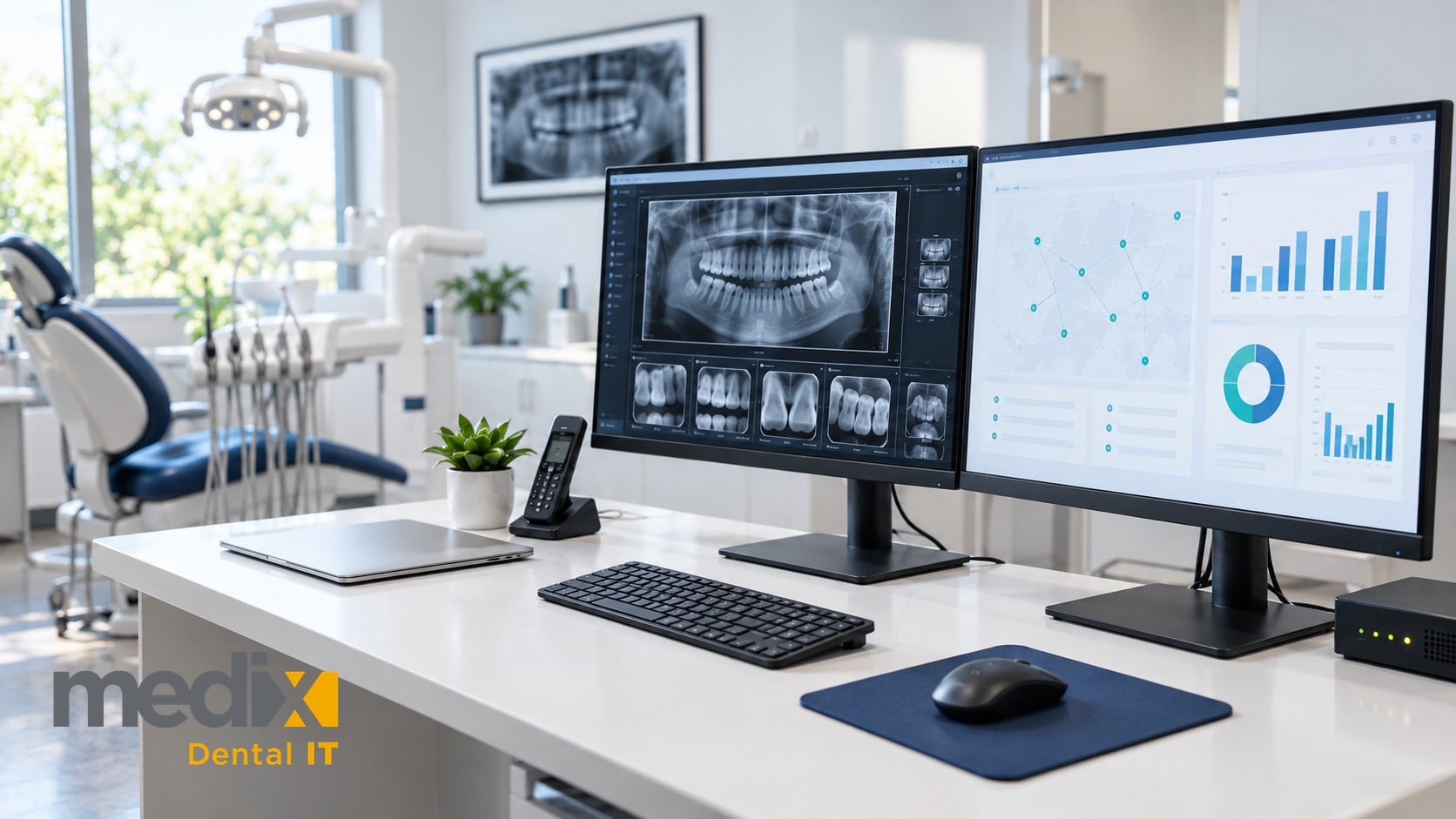
Dental imaging software is the layer that captures, stores, and displays radiographs, and for a multi-location group it quietly decides three things: whether you need a server in every office, whether your sensors keep working when you switch platforms, and whether a provider in one location can open an image taken in another. Medix Dental IT has no imaging product to sell. Our work is the networks, servers, and storage these platforms run on, so we see what happens after the demo ends.
Why Imaging Is the Hardest System to Standardize
Practice management software gets all the attention in a group’s technology plan. Imaging is the system that actually resists standardization, because it is welded to physical hardware.
Every acquired practice arrives with sensors, a panoramic unit, sometimes a cone beam scanner, and whatever software the seller bought with it. That hardware has a long life and a real replacement cost, so ripping it out to match a corporate standard is rarely the first move. The software decision, then, is usually a question about what will tolerate the equipment you already own.
The second problem is where the images live. Radiographs are large, they accumulate for years, and they are patient records you have to keep. A local image server in each office is the traditional answer and the most expensive habit in a growing group: a box to buy, patch, back up, and replace on a cycle, multiplied by every location. A practice can have a cone beam scanner and still be running on a server that belongs in a museum.
So the useful way to read this category is not which viewer has the nicest tools. It is which platform lets you run more offices without adding more infrastructure, and what it costs you in hardware freedom to get there.
The Best Dental Imaging Software for Multi-Location Groups
Seven platforms, judged on what each does to your server footprint, your sensor choices, and your ability to open an image in another office, with published pricing noted where it exists. Four are built for multi-location groups. The other three, DTX Studio Clinic, Carestream CS Imaging 8 and Dentrix Imaging, are platforms groups often inherit through acquisitions, so for those we note where each stops scaling. Everything below comes from each vendor’s own published material. Gaps are marked as gaps.
1. Apteryx XVWeb: The Most Explicitly Hardware-Agnostic Option
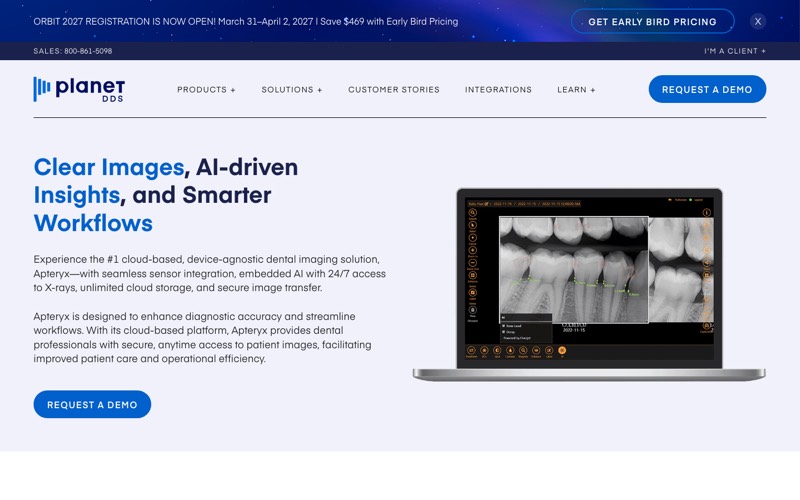
Apteryx XVWeb, from Planet DDS, is marketed as “the #1 cloud-based, device-agnostic dental imaging solution,” and the hardware language is the most direct of any vendor here. The vendor states that “whatever sensors you own now or buy in the future will be compatible” and describes an “open architecture philosophy” with “over 100 integrations with top sensors and platforms.”
For a group buying practices, that is the whole argument, and Planet DDS makes it directly: as a group acquires new practices it can count on compatibility with “whatever imaging devices and practice management solution your newly acquired practices have in place.” An offline mode captures images without an internet connection and syncs them back when service returns.
Where I would hesitate: no pricing is published and no third-party practice management system is named (the integration strip shows only Planet DDS’s own Denticon and Cloud 9), so both come out of a sales conversation. Confirm your exact sensor and panoramic models against the vendor’s current integration list before signing.
Best for: groups acquiring practices with mixed equipment that want one imaging platform and no local image-storage server in any office.
2. MiPACS: Enterprise Imaging That Publishes Its Device List
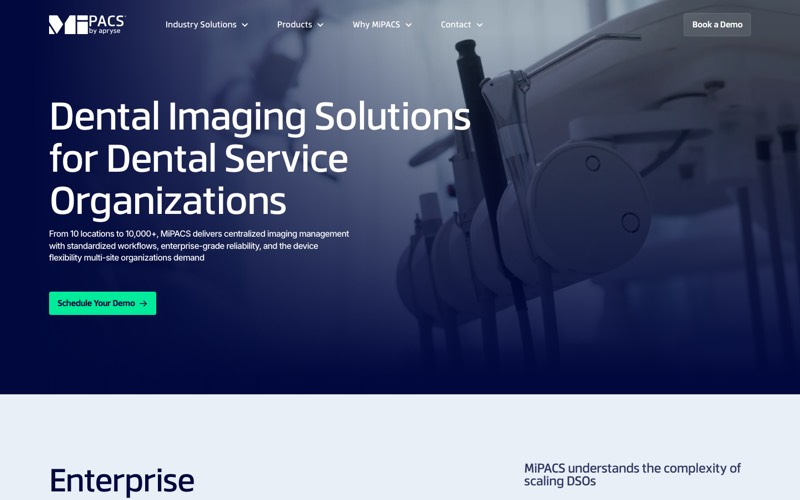
MiPACS is an enterprise imaging platform built around a central archive, with capture and viewing on top, and it is now a product of Apryse, which acquired it in 2024.
Its device claim is the broadest here, and it comes with a published list. The vendor advertises “200+ supported devices from 50+ manufacturers. No vendor lock-in. No proprietary formats,” then backs it with a published compatibility list that names intraoral sensor manufacturers one by one, including Dexis, Schick, Carestream and Apteryx. On multi-site access it is equally direct: “Images captured at any clinic instantly accessible across your entire organization.” Deployment runs single site, multi-site central, multi-site with local servers that sync, or cloud and hybrid, so offices on thin connections keep images nearby while synchronizing centrally.
Where I would hesitate: MiPACS is bought and run like infrastructure. No pricing is published, and the deployment choice is a real design decision rather than a checkbox, which means it wants someone accountable for it.
Best for: larger groups that want one image archive across every location and a device list they can verify before buying.
3. Planmeca Romexis: Open Through Standards, With a Limit Worth Knowing
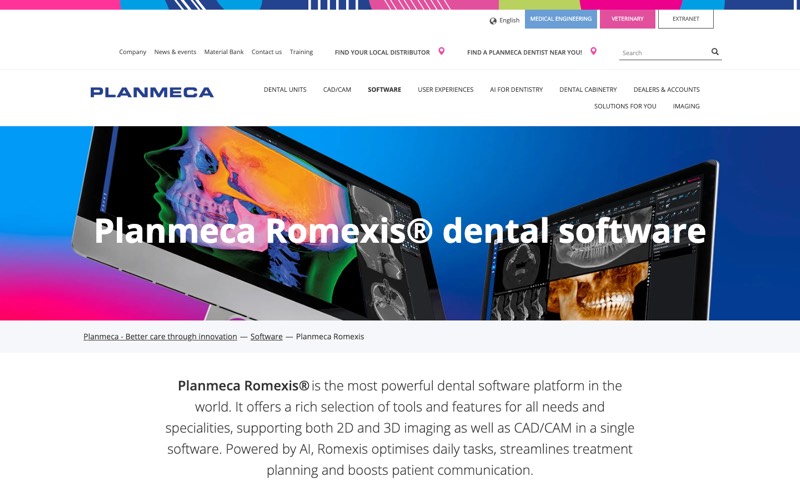
Romexis runs on your own servers or hosted. Planmeca states that customers “successfully run the software both in a large single-server and synchronised server-to-server setup,” and sells a separate cloud hosting service it positions as “a convenient alternative to local on-site servers,” with patient images “accessible simultaneously in multiple locations.”
Its openness is real but specific. Romexis archives images from third-party X-ray units using the DICOM standard, while direct capture from other manufacturers’ equipment runs through TWAIN, which the vendor describes as 2D. Native integration is with Planmeca’s own equipment. On practice management it publishes the strongest claim here, with Romexis integrating directly with “over 100 dental practice management systems.”
Where I would hesitate: archiving a third-party image and capturing directly from a third-party device are not the same capability, and the difference shows up in daily workflow. Pricing is not published, and the cloud service is a subscription the vendor says varies by practice.
Best for: groups already invested in Planmeca hardware, or those wanting a standards-based archive that accepts images from mixed equipment.
4. DEXIS Imaging Suite: Open, With the Advanced Part Sold Separately
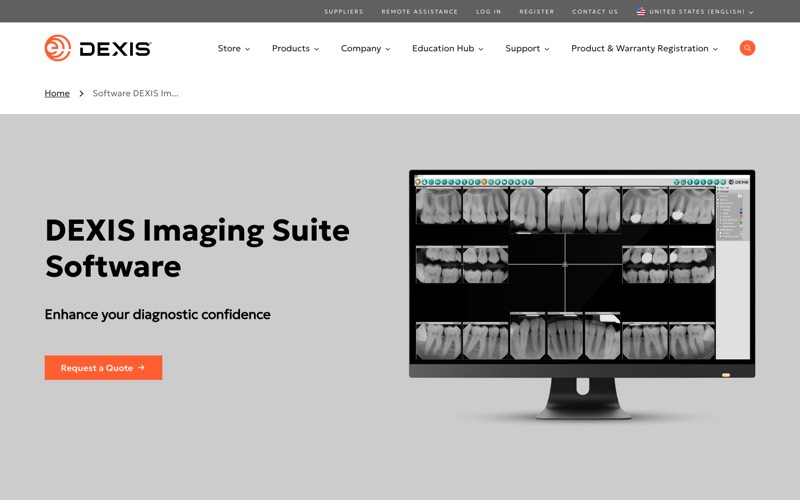
Two modules decide whether DEXIS Imaging Suite works for a group, and both are worth naming in a quote. DEXsync, in the vendor’s words, lets you “sync your databases together and be able to access your patient information from any of your office locations if you are a multi-office practice.” Note what that is: database-to-database synchronization between offices, not a single cloud store.
On sensors, DEXIS promises image quality “regardless of the sensor you currently use” and calls the platform “open integration.” The footnote changes the math: “for more advanced integration with 3rd party intraoral sensors, you can also purchase a 3rd party module which allows for multi-image capture and use of standard X-ray workflows.” Basic third-party sensor capture is included. The advanced third-party sensor workflows are a separate purchase.
Where I would hesitate: the vendor never states the deployment architecture outright, and a module-based product means the quote you compare against another platform has to list which modules are in it. Ask for that itemized.
Best for: practices already standardized on DEXIS sensors that want multi-office access without moving to a cloud platform.
5. DTX Studio Clinic: Check What Is Shipping Before You Plan Around It
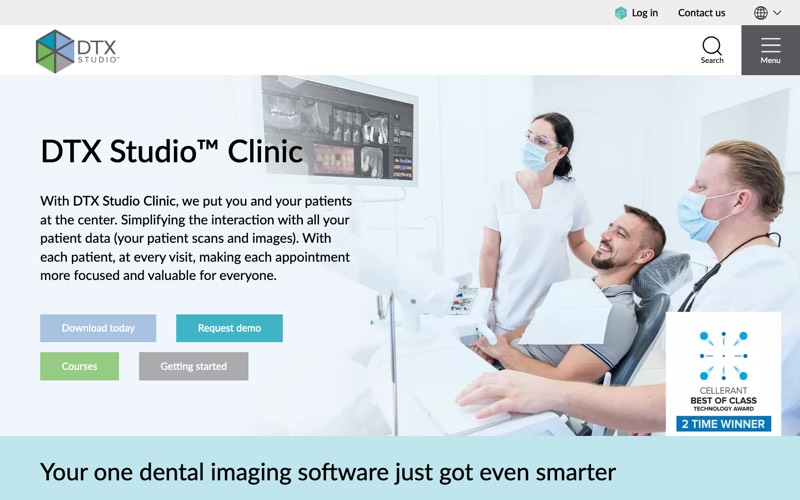
The multi-site page for DTX Studio Clinic is aimed squarely at this reader, asking whether you are “a multi-site practice using DTX Studio Clinic and looking to unify patient records across locations.” The answer is not generally available. The same page states that “DTX Studio Go Sync is coming soon and we’re looking for practices to partner with/beta testers,” that it is “currently inviting select practices with 2-12 sites to join our early access program,” and it offers a waitlist.
What ships today is local storage. Images live on “a central in-practice storage server connected within your local office network,” run by the DTX Studio Core application, with cloud case sharing for referrals and lab orders. The software captures from “supported TWAIN USB or Ethernet devices,” which the vendor limits to 2D grayscale devices on Windows, but its published list of supported intraoral sensors names only DEXIS and Gendex models.
Where I would hesitate: an early access program with a site cap is not a shipping feature, so plan around what runs today. If your sensors are another brand, get the connection method in writing. Pricing is not published.
Best for: single practices, or groups whose multi-site plan does not depend on synchronization arriving on a particular date.
6. Carestream CS Imaging 8: A Listed License Price and an Auto-Renewing Support Term
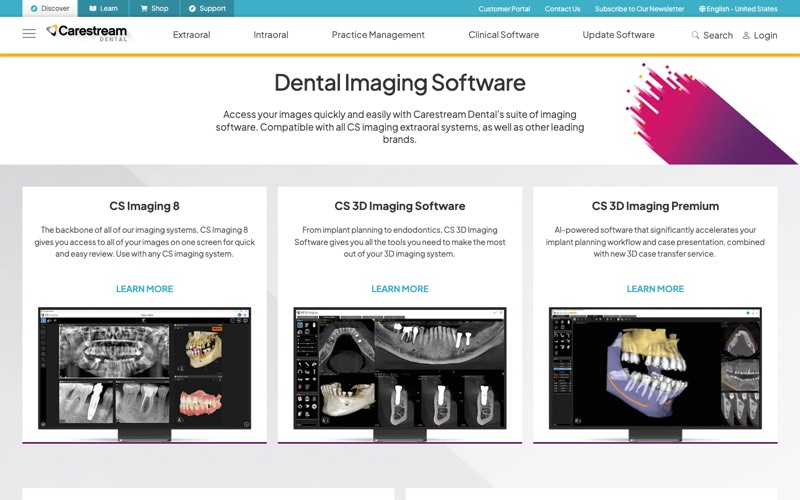
CS Imaging 8 is the imaging layer under Carestream’s hardware line, and it is the only platform in this roundup that publishes what a paid license costs. Carestream lists the software at $1,299 for a license covering up to 99 computers, and a support plan at $49 per month that “initiates a 12-month contract” and then “will automatically extend to month-to-month after initial 12-month term.”
On hardware, Carestream says the suite is “compatible with all CS imaging extraoral systems, as well as other leading brands,” while CS Imaging 8 is described for use “with any CS imaging system.” No competitor sensor is named, so other brands warrant a direct question.
Where I would hesitate: neither the imaging software page nor the CS Imaging 8 listing publishes multi-location synchronization, and the license covers “up to 99 computers to access CS Imaging 8 at a time,” with nothing on how that applies across locations. Carestream’s separate cloud imaging subscription does add multi-site sharing, but for Carestream imaging systems, so it is a cloud option within one manufacturer rather than a mixed-equipment answer. Read the auto-renewing support term first.
Best for: single offices, and Carestream-equipped practices that want a known software cost rather than a quote.
7. Dentrix Imaging: Convenient Inside Dentrix, Limited Outside It
Dentrix Imaging is built into the Dentrix practice management system, and for a practice already on Dentrix that integration is the appeal. The vendor advertises “plug and play with 150+ hardware devices and sensors” and says images are “captured, securely stored in the cloud, and automatically coded for billing and claims.”
MiPACS claims 200+ devices and publishes the manufacturers on its product site. The Dentrix product page claims 150+ and names none there, though Henry Schein One keeps a supported acquisition devices list in its help documentation. Check your exact models against that list, not the count.
The more useful fact concerns the system underneath, and it comes from Henry Schein One itself. Because the imaging lives inside Dentrix, the imaging decision is tied to the practice management decision. Its comparison lists on-premise Dentrix under scalability as “Limited multi-location support,” against Ascend’s “Designed for multi-location growth,” and describes Dentrix as installed locally with data on “local servers (practice-managed),” suited to “solo and small group practices.”
Where I would hesitate: imaging tied to a practice management system means the two decisions stop being separable. If the group ever reconsiders its software, the images are part of that project.
Best for: single offices and small groups already committed to Dentrix that want imaging inside the same chart.
How These Platforms Compare on What Actually Decides It
| Platform | Where images live | Third-party sensor policy | Multi-location access | Published price |
|---|---|---|---|---|
| Apteryx XVWeb | Cloud | “Whatever sensors you own now or buy in the future will be compatible,” capture integration list published | Cloud access across offices, offline capture syncs back | Not published |
| MiPACS | On-premise, cloud, or hybrid | “200+ supported devices from 50+ manufacturers,” list published | “Images captured at any clinic instantly accessible” | Not published |
| Planmeca Romexis | On-premise or Planmeca cloud service | Third-party archiving via DICOM, direct capture via TWAIN, 2D | Server-to-server sync, or cloud for simultaneous access | Not published |
| DEXIS Imaging Suite | Office databases synced by DEXsync, architecture not stated | Open integration, advanced third-party sensor support is a paid module | DEXsync between office databases | Not published |
| DTX Studio Clinic | In-practice storage server (DTX Studio Core) | TWAIN capture supported, published sensor list names only DEXIS and Gendex | Go Sync is early access, 2-12 sites, waitlist | Not published |
| Carestream CS Imaging 8 | Not stated, installed software licensed for up to 99 computers at a time | Suite page: “other leading brands” (extraoral). CS Imaging 8: “Use with any CS imaging system.” No third-party sensor named | Not published for this product | $1,299 plus $49/month support |
| Dentrix Imaging | Cloud image storage, inside a locally installed Dentrix | “150+ hardware devices and sensors” on the product page, model list in help docs | Vendor rates on-premise Dentrix “Limited multi-location support” | Not published |
What Cloud Imaging Does Not Remove
Cloud imaging is sold as the end of the server, and for the image server that is usually accurate. Groups budget for that promise rather than for what stays.
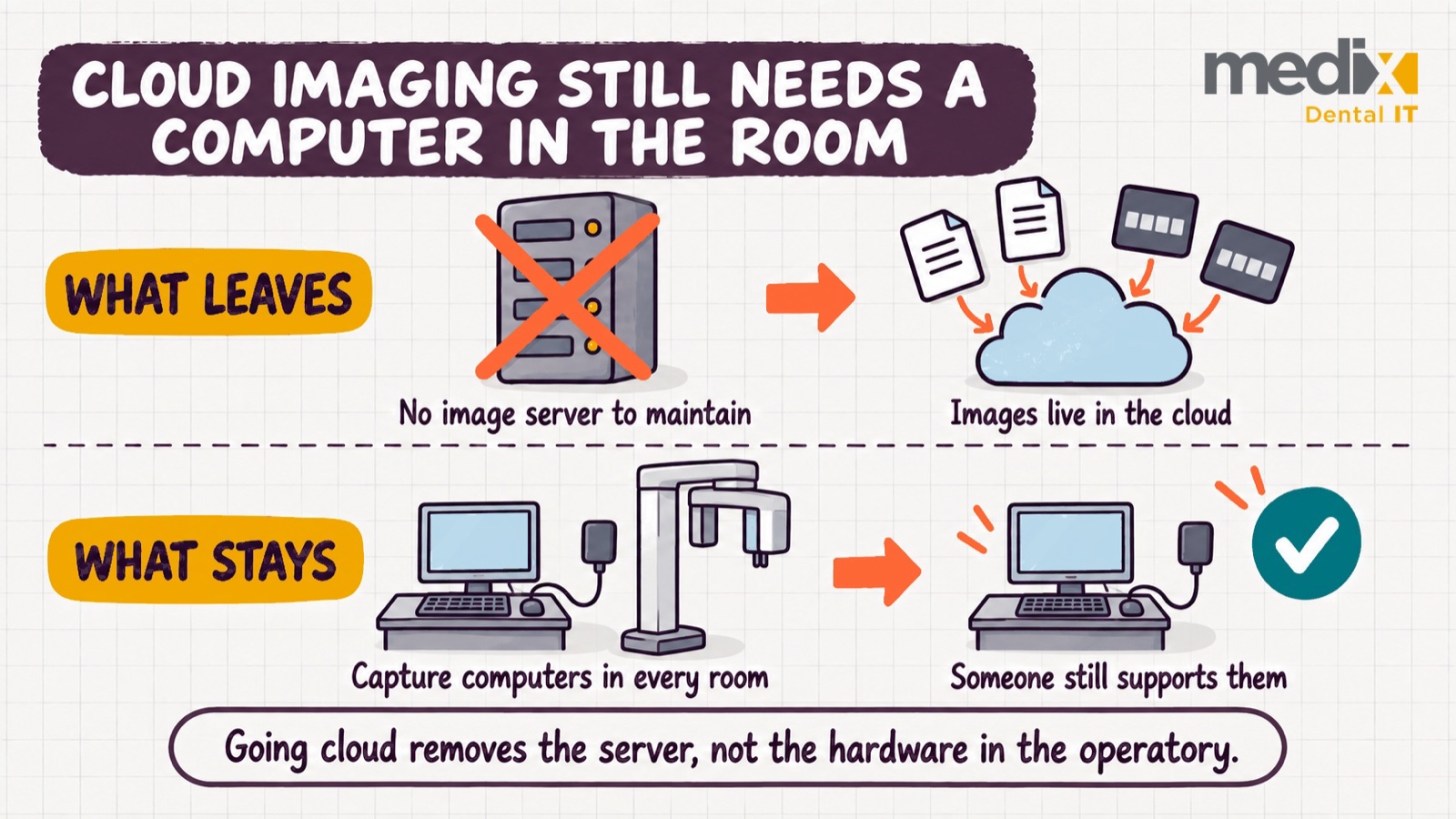
The capture computer stays. Sensors, panoramic units, and cone beam scanners connect to a workstation in the room, running drivers and a vendor application. Moving images to the cloud removes the box in the closet that stored them. It does not remove the computers that make them, and those still need patching, security, replacement on a cycle, and someone to call when a sensor stops being recognized twenty minutes before a full schedule.
Bandwidth becomes a clinical dependency too. Once images live off-site, the connection at each office is part of the operatory, which changes what an outage means. Good platforms plan for it, which is why Apteryx publishes an offline capture mode and MiPACS offers local servers that sync centrally.
None of that argues against cloud imaging. Fewer servers is a real and compounding win. It argues for writing the plan around what actually changes, so nobody is surprised by the workstation refresh that arrives anyway.
The Bottom Line on Dental Imaging Platforms
If you are acquiring practices with mixed equipment, Apteryx XVWeb makes the most explicit hardware-agnostic promise, and Planet DDS frames it around acquisitions directly. If you want one archive across every location with a device list you can verify in advance, MiPACS publishes both the claim and the manufacturers behind it. If you are standardized on Planmeca or Carestream hardware, the native platform is the path of least friction, and Carestream is the only one that lists a license price up front. If you are a single office on Dentrix, imaging inside the chart is a genuine convenience, and the vendor’s own scalability note tells you where that stops.
Whichever way you go, get two answers in writing before you sign: which of your exact sensor and panoramic models are supported by manufacturer and model rather than by count, and how you export the full image library in a standard format if you ever leave. Image libraries are among the longest-lived records a practice holds, and those terms are easiest to negotiate before the contract, not after.
Serverless dentistry is possible, even with cone beam imaging, if you architect it correctly. The groups that get there decide the architecture first and pick the software second, rather than discovering after go-live that nobody budgeted for the workstations the plan still depends on.
Dental Imaging Software FAQs
Will our existing sensors work if we change imaging software?
Sometimes, and the answer depends on the platform and the exact model. Apteryx states that whatever sensors you own now or buy in the future will be compatible, and both Apteryx and MiPACS publish device lists you can check before buying. DEXIS includes basic third-party sensor support but sells advanced integration as a separate module. Before a group-wide switch, run a test capture on one operatory computer at each location type, since a sensor can be supported in principle and still fail on an older workstation or driver.
Is dental imaging software the same as dental AI software?
No. Imaging software captures, stores, and displays radiographs. AI tools read them, flagging suspected caries or bone loss as a second opinion, and they typically sit on top of an imaging platform rather than replacing it. If you are evaluating the diagnostic layer, that is a separate decision covered in our roundup of AI tools for dental practices.
Does Dentrix have imaging software?
Yes. Dentrix Imaging is built into Dentrix itself. Many other practice management systems expect you to bring your own imaging, and there Apteryx describes practice-management-agnostic integration and MiPACS names the systems it integrates with, so both are built to sit alongside a separate practice management system rather than replace it. Which model fits depends on whether you want one vendor for both or the freedom to change one without touching the other, a tradeoff we cover in our guide to dental practice management software.
What does dental imaging software cost?
Most vendors do not publish pricing. Carestream is the exception, listing CS Imaging 8 at $1,299 for up to 99 computers plus $49 per month for support on a 12-month contract that continues month to month afterward. For everyone else it is a quote, and the number that matters for a group is the total across every location including the workstations, storage, and support underneath, which is the same lesson as the real cost of practice management software.
Posted in PMS


























































